
























 +
+ +
+
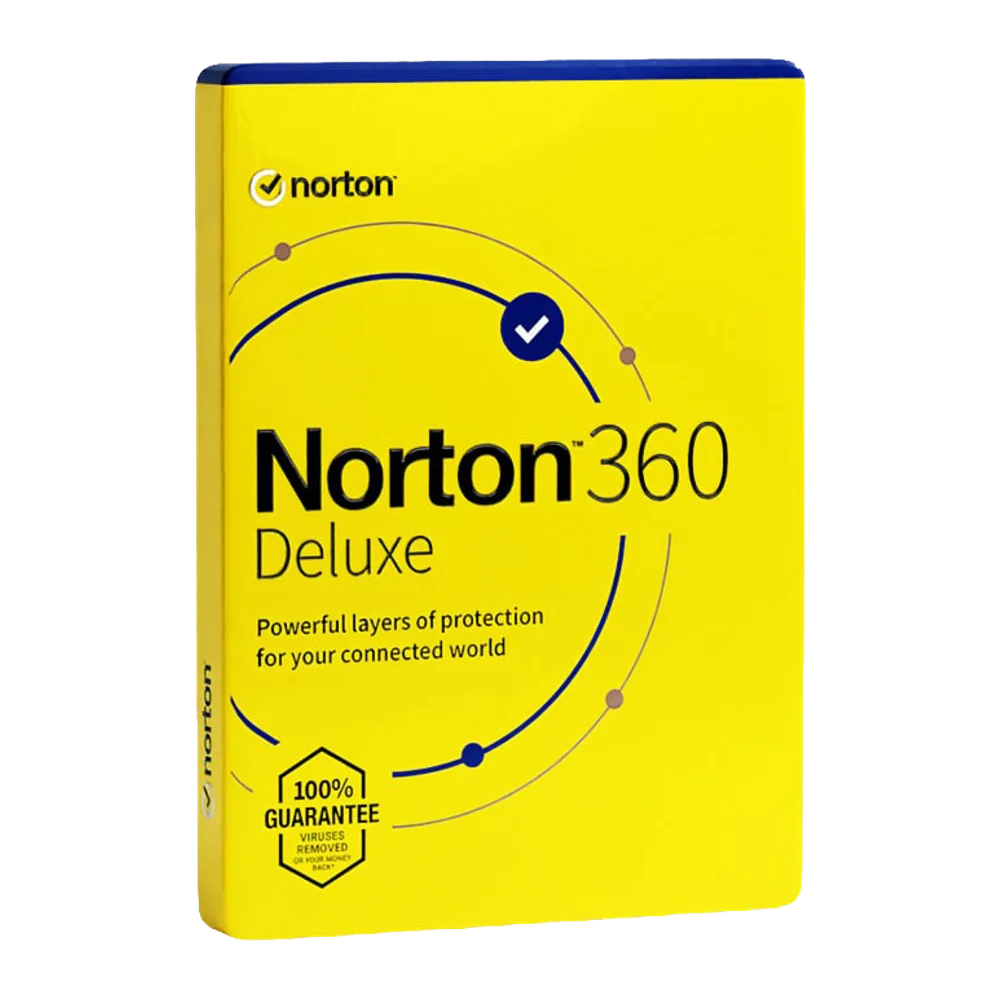
Windows 11 Home + Microsoft Office 2024 Professional Plus + Avast Premium Security
£85.99£107.97−20%You save £21.98

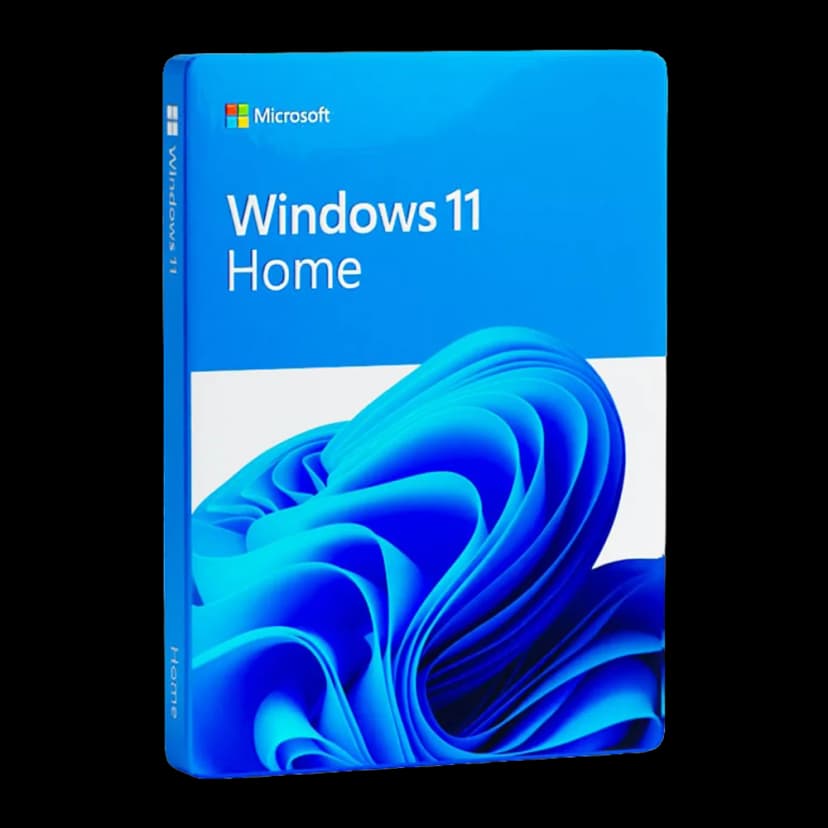
 Windows
 Windows++++
The long-awaited Windows 11 reflects Microsoft's vision for the future of computing technology. With the new operating system, Microsoft introduces a modern interface with rounded edges, and revolutionises the approach to work ergonomics by placing the Start menu at the centre of the screen. This subtle but key change improves desktop organisation and intuitive use of system functions.
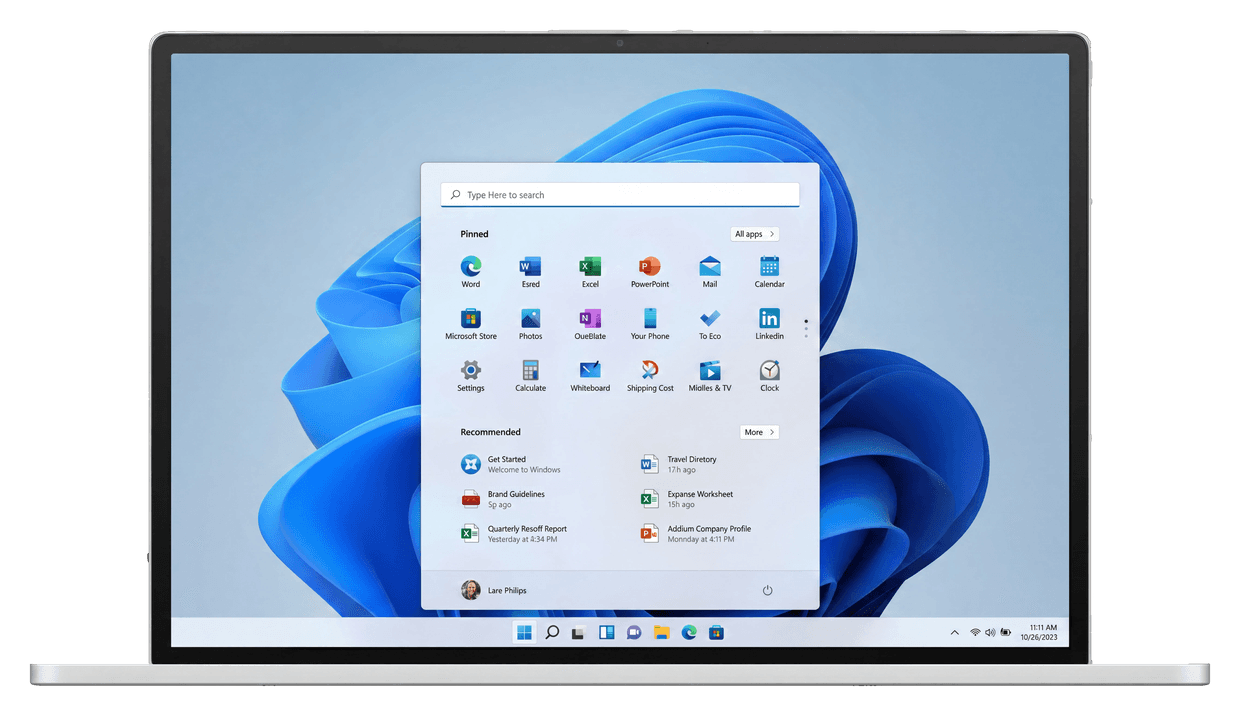
Microsoft presents Windows 11 as a safer, more efficient operating system that is simple to use. The new look makes using your computer for work and play easier than ever. Microsoft Windows 11 Home is an operating system created primarily with security, efficiency, and a new user experience in mind.
Windows 11 Home is a system that adapts to your needs, whether you're a creative professional, an avid gamer, or simply someone looking for a safe and efficient environment for everyday use.
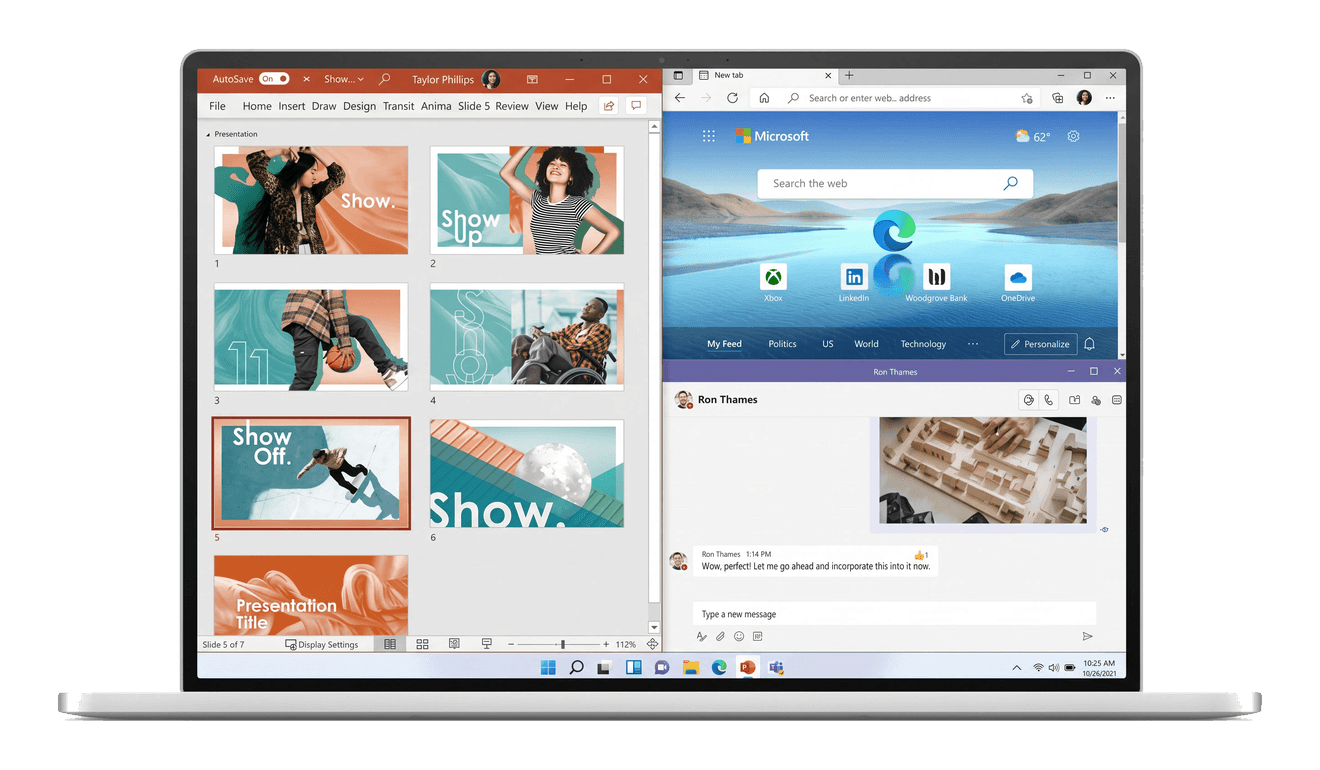
In Windows 11, organising your desktop has never been easier. The system offers easy-to-use tools that help you optimise screen space and maximise your productivity.
Keep your screen tidy with snap layouts. Arrange open windows and programs to efficiently manage your workspace.
With widgets, your information is always at your fingertips. Windows 11 lets you track news, weather and important deadlines without losing control of your tasks.
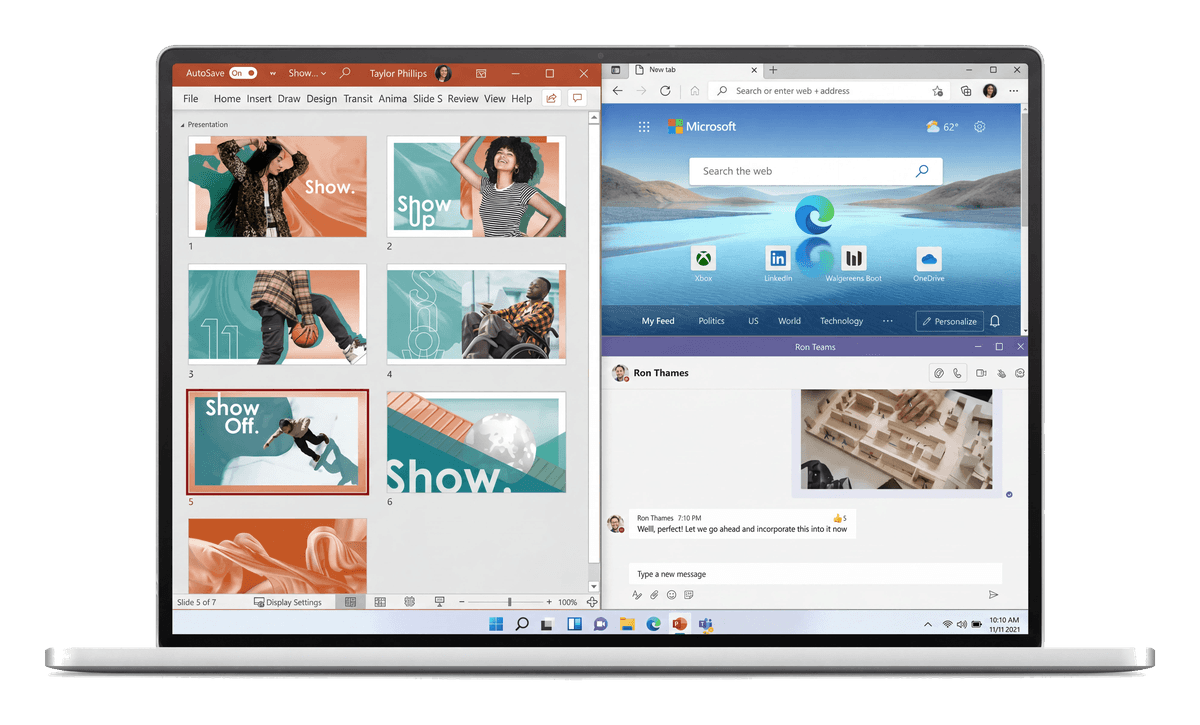
Windows 11 Home introduces more advanced ways to stay in touch. With the chat feature in Microsoft Teams, users can contact anyone, for free and in various ways.
Whether you want to call, chat, text, or video call, all these options are available directly on your computer without needing to launch any additional applications.
Integration with Outlook and Calendar applications makes planning meetings and staying in touch convenient and enjoyable.

Windows 11 Home is the ideal environment for those who expect maximum efficiency and a smooth workflow.
Snap Layouts in Windows 11 Home allow you to instantly organise windows on your screen — now you can easily use multiple applications simultaneously.
Virtual Desktops offer the ability to create separate environments for different tasks. The new redocking feature remembers your window layout when you disconnect and reconnect your monitor.
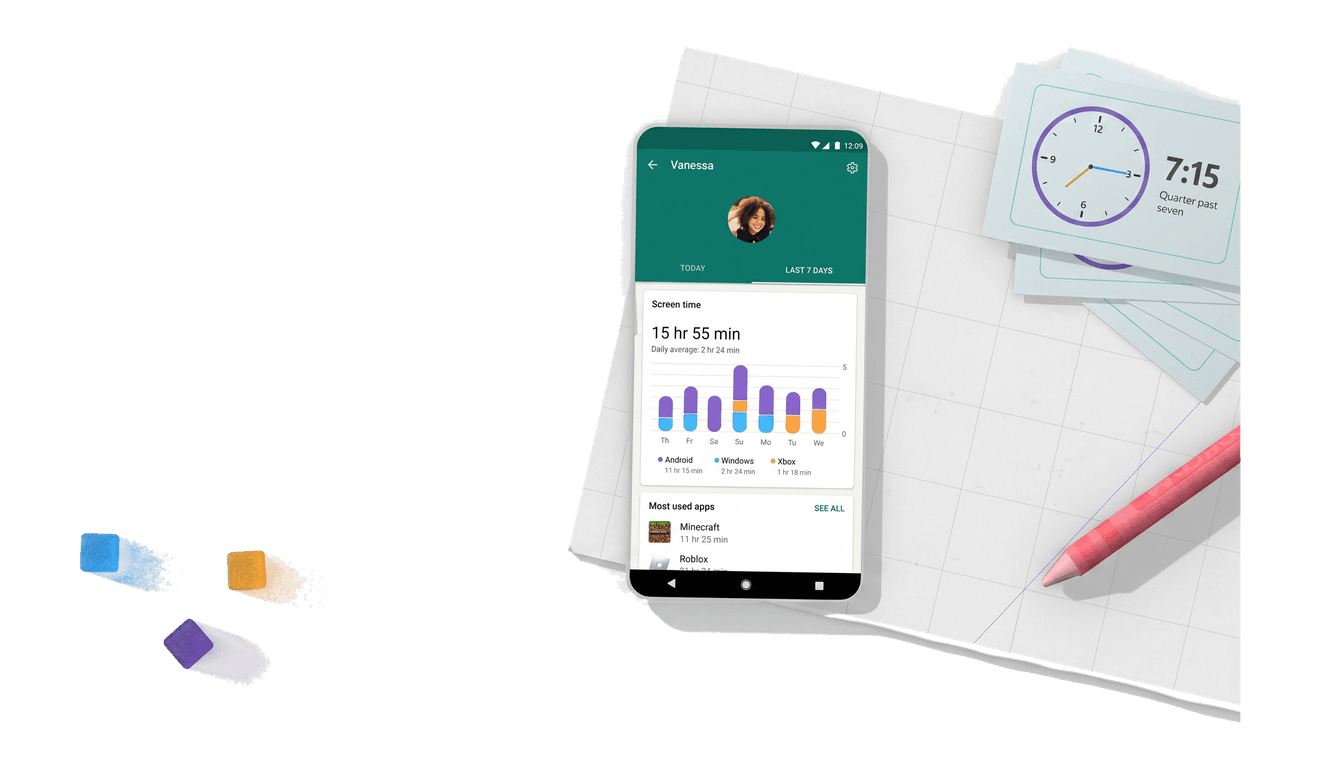
Manage screen time in a way that suits your family. Windows 11 Home gives you full control over hours spent online, with time management tools for devices, programs and games.
Set precise limits for each family member to ensure a healthy balance between online time and other activities.
This simple tool not only supports responsible use of technology, but also helps build healthy habits and protect your children.
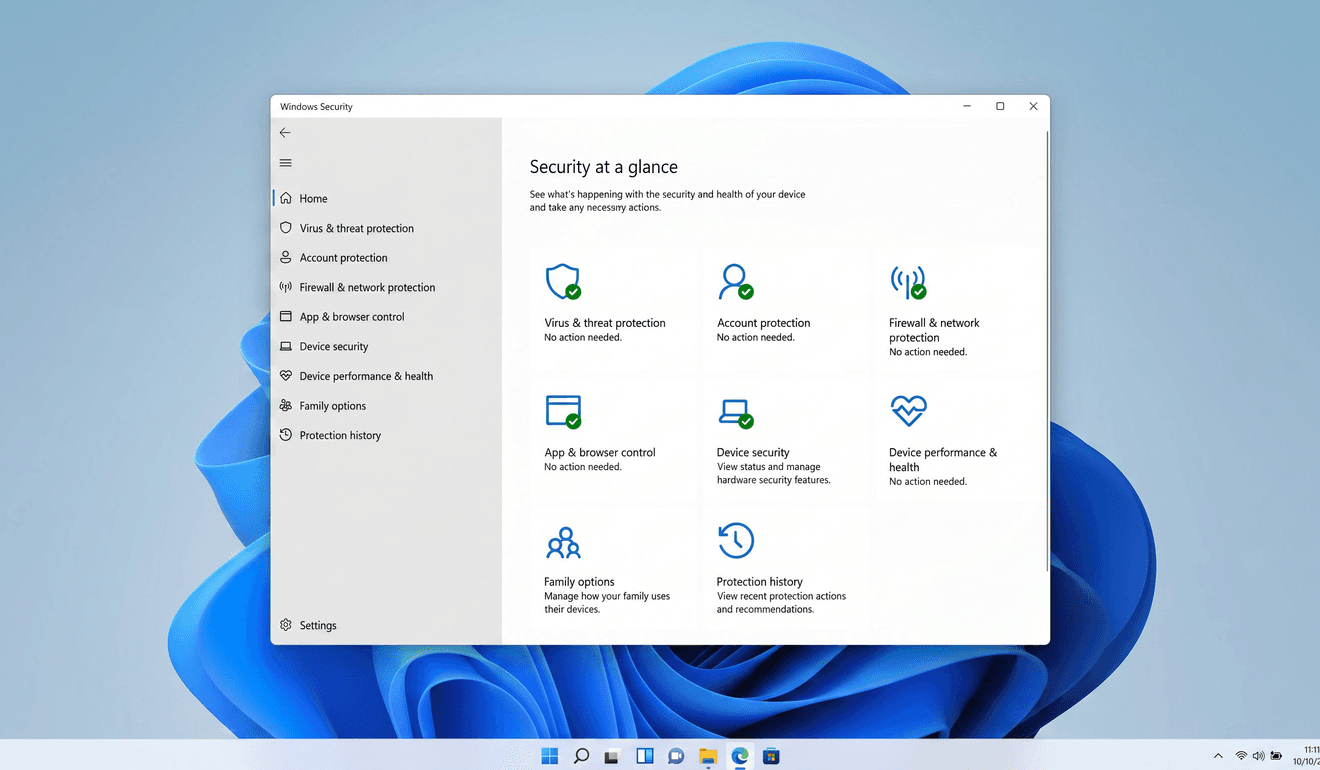
With modern security mechanisms like advanced antivirus protections, you can be confident that your data is safe. The system monitors potential threats and protects against them.
Biometric login identifiers (facial recognition and fingerprint) add an extra layer of security, enabling quick system access.
Everything is integrated into the system, meaning you don't have to worry about additional costs or the need to manually update software.
selected innovations in the operating system.

The Start menu in Windows 11 gets a new look and new functionality! You can easily customise its layout, pinning your favourite programs and removing those you don't need.

With Microsoft Teams included in the operating system and automatically available on the taskbar, you can easily connect with anyone.

Sign in to your Windows Home devices with Windows Hello in less than 2 seconds — 3 times faster than entering a password.

Arrange your screen any way you like, easily manage multiple programs and documents on one screen and snap up to 4 windows to optimise your workspace.

Security and privacy features in Windows 11 are similar to Windows 10. Device security starts from hardware and includes OS protections, application security and identity safeguards.

Connect family members' Microsoft accounts to manage screen time, restrict access to adult content and control online purchases.
It is a perpetual, lifetime licence: you pay £39.99 once, with no fees or renewals. The Windows 11 Home product key remains valid without an expiry date.
The licence covers 1 PC and is intended for activation on a single computer.
After purchase, you receive the 25-character product key by email. Activate it during installation or in Settings > System > Activation, online or by telephone.
Windows 11 requires TPM 2.0, Secure Boot, at least 4 GB of RAM and 64 GB of disk space. Check that your PC meets these requirements before installation.
Yes. It is a genuine Microsoft licence, with an invoice, for lawful use. Windows 11 Home is designed for home use; Professional adds BitLocker, Remote Desktop hosting, joining a business domain and Hyper-V.
Have you seen Microsoft Windows 11 Professional priced at both £20 and £200? It is not always a scam: OEM and Retail licences have different rules. This guide explains the facts and which option suits you.
Read more
Quick, practical checks to reduce the risk of webcam and microphone spying on Windows: permissions, updates, physical covers and monitoring tools. Steps you can take now.
Read moreUnderstanding the difference between OEM and Retail software licences helps you choose the right option. We break it down in simple terms.
Read more