






















 +
+ +
+
Microsoft Office 2024 Professional Plus + Windows 11 Professional + Adobe Acrobat Pro 2020
£160.99£219.97−27%You save £58.98


 Windows
 Windows++++
 +
+
Acrobat is the latest version of the subscription-based Acrobat software. It is the most mobile, powerful and collaboration-enabling PDF solution offered by Adobe. Acrobat includes the Acrobat desktop software, the Acrobat Reader mobile app enhanced with premium features, and Adobe Document Cloud services that ensure connectivity and productivity anywhere and on any device.


Access on computer, browser and mobile devices

100 GB cloud storage, Adobe Portfolio, Adobe Fonts
Your needs are constantly changing, and the way you work changes with them. That's why Adobe continuously improves Acrobat and adds new features. When you purchase Adobe Acrobat, you'll have access to the latest features as soon as they're released.
Adobe Acrobat streamlines team communication and offers simple workflows on computer, mobile devices and the web — wherever you work.
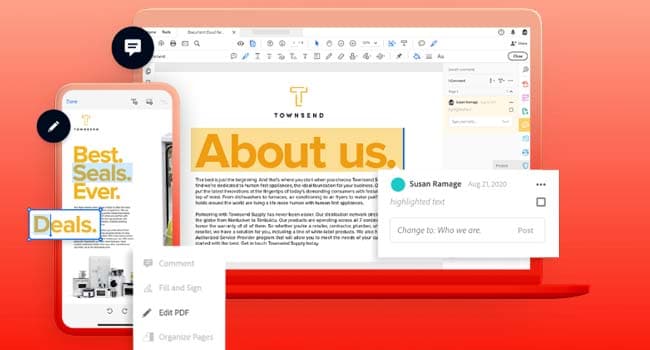
Regardless of where you are and what device you're using, never stop collaborating. With Acrobat you can easily share PDF files for viewing, reviewing and signing, and even track progress — from any device and location.
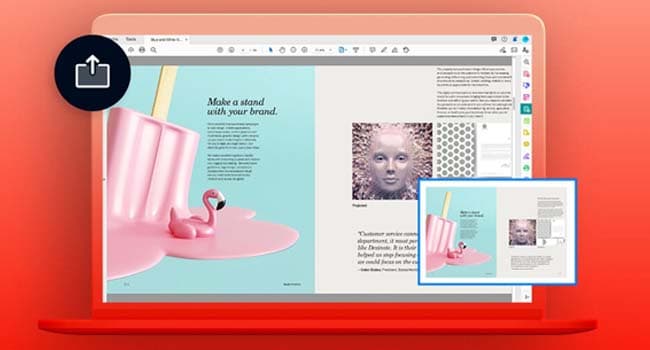
Now sharing PDF files and collecting comments is as simple as sending an email, but with additional options and comprehensive tracking without the need for attachments. Recipients receive an email with a link to the PDF file. Just click to open the file for review, commenting or signing.
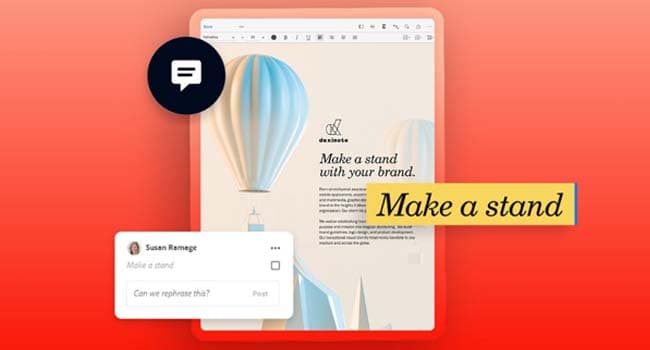
The Acrobat Reader app, always free and now even more functional, comes equipped with the tools you need to view, annotate, sign and share PDF files without access to a computer. With Acrobat Pro you can do even more: edit, create, export, organise and merge files directly from your tablet or phone.
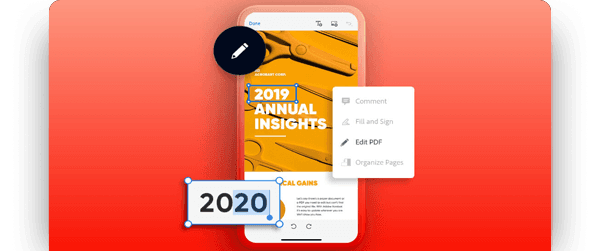
PDF forms can be easily filled in and signed anywhere, on any device. The software also lets you collect signatures, track progress digitally and automatically archive signed documents.
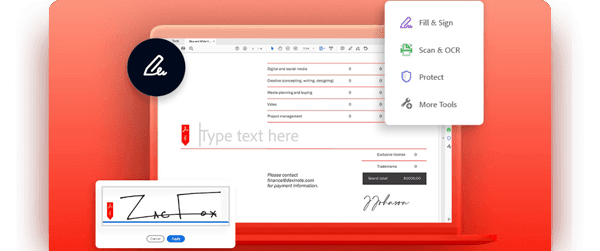
Over five million organisations worldwide rely on Acrobat to create and share smart PDF files, convert PDF files to Microsoft Office formats and perform many other tasks. When you need tools to facilitate remote teamwork and help run your business, choose Acrobat and get everything done easily.

You can convert almost any file to PDF format.

Edit text and images in PDF files.

Send a file to others for viewing or commenting.

Fill in a form and add a signature.
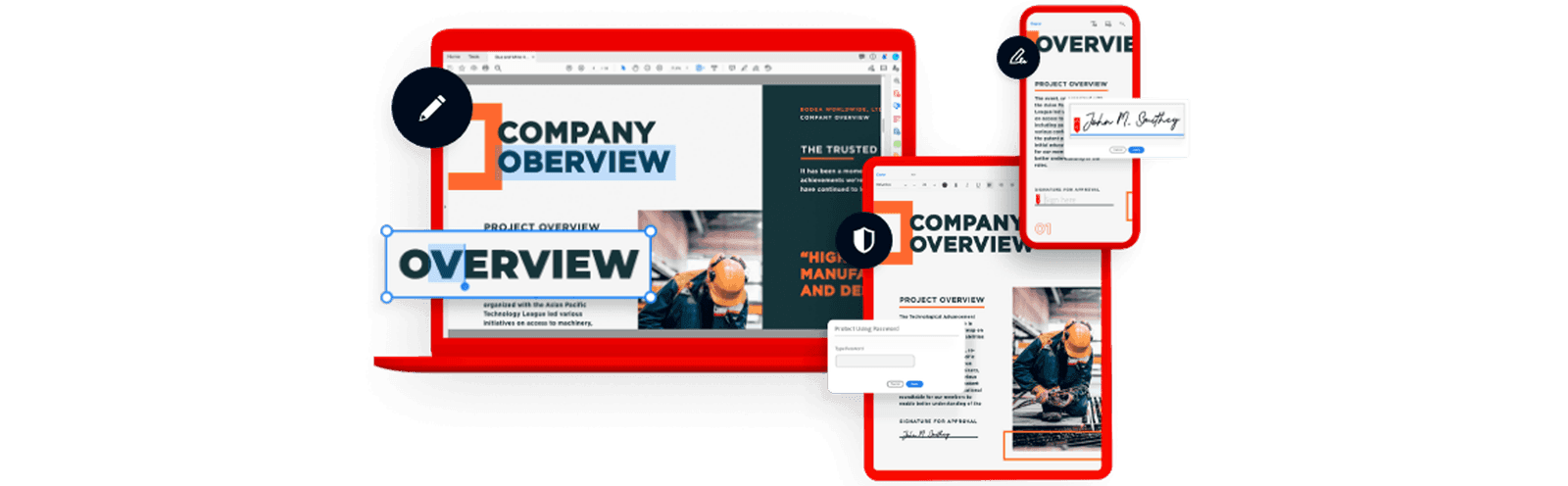
With artificial intelligence and machine learning capabilities — the Adobe Sensei engine — you can integrate PDF files into all digital materials, simplify form filling and improve the quality of customer-facing content.
Now you can create, edit and view PDF files in Microsoft applications such as Word, PowerPoint, Excel, SharePoint and OneDrive. Microsoft 365 cloud security provides integrated reliability.
Choose from three editions: 2019 and 2020 with perpetual licences (pay once, with no expiry), or the latest 2027 version with a 1, 3 or 12-month subscription. These options let you create, edit, convert, sign and protect PDFs.
You receive an activation code by email to redeem directly on Adobe's website. Sign in with your Adobe ID and enter the code: Acrobat Pro activates immediately for the purchased duration, on Windows and macOS.
For 1 workstation.
You receive instructions and activation details by email to enable Acrobat Pro on your Adobe account.
Yes: it is a genuine Adobe licence, with an invoice included.
Practical settings in Adobe Acrobat to reduce PDF size while preserving print and typographic quality: images, colour profiles, PDF/X and linearisation.
Read moreDigital software licences offer instant delivery, lower costs and environmental benefits. Discover why they are replacing physical media.
Read more