




































Autodesk AEC Collection · Personal 12 months
£299.99£499.99−40%You save £200.00


 Windows
 macOS
macOS WindowsmacOS
 +
+
AutoCAD LT 2027 is the reliable 2D CAD solution for architects, engineers and designers who want to create precise technical drawings with superior performance and streamlined workflows.
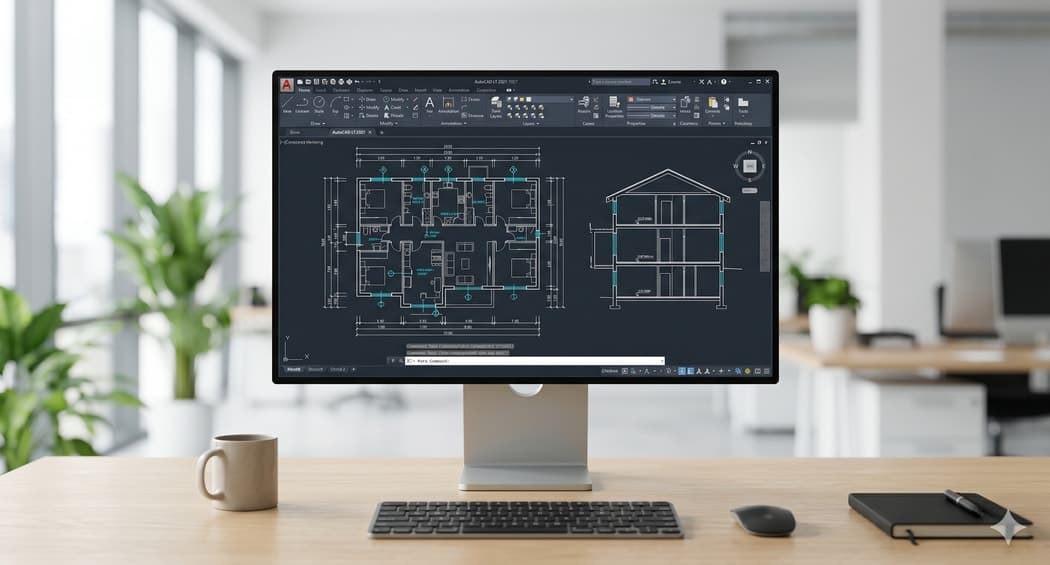
AutoCAD LT 2027 is Autodesk's professional 2D technical drawing software, designed for those who need precision, reliability and speed in their daily work. It is not a generic tool: it is built specifically for architects, civil engineers, mechanical designers and technical professionals who must turn ideas into detailed drawings and construction documentation. With AutoCAD LT 2027, you create, edit and document complex projects starting from simple geometric shapes, maintaining full control over every element. The software solves the fundamental problem for those working in technical fields: the need for a powerful yet accessible tool that does not require the massive investment of full AutoCAD, while maintaining total compatibility with industry-standard DWG files.
Loading times are drastically reduced, especially with files stored on a network. That means less waiting and more time dedicated to creative and design work.
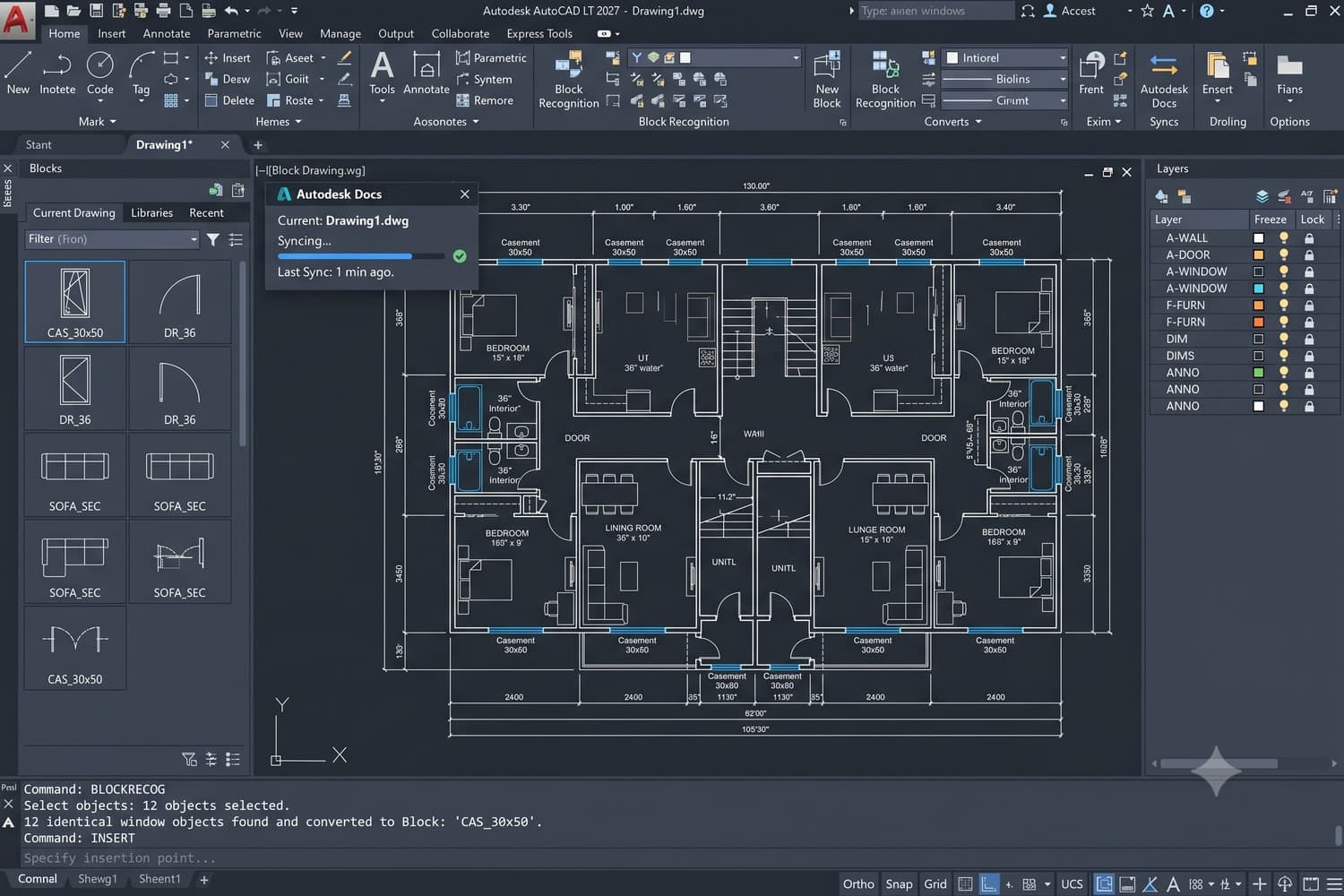
The software automatically identifies repetitive elements in your drawing and converts them into standardised blocks. No more doing it by hand: save hours on complex projects.
New dedicated layers for centrelines and centre marks, with revised ISO symbols for mechanical drawings. Keep your projects organised and compliant with international standards.
Find and Replace directly in leader notes. Perfect for rapid revisions without wasting time on manual searches.
Synchronise templates, plot styles and fonts across shared paths. All your files maintain visual and stylistic consistency automatically.
The graphics system leverages modern GPUs and multi-core processors for fluid navigation even in large drawings.
2D drawings in DWG format, fully compatible with AutoCAD and your collaborators, with no conversions or data loss.
Open and tweak your projects from a browser and the mobile app, with always-on cloud sync for convenience.
You are an architect who needs to manage residential and commercial projects with detailed construction documentation. You are a civil engineer working with floor plans, sections and construction details. You are a mechanical designer creating technical drawings for industrial production. You are a design technician collaborating with distributed teams who needs reliable file synchronisation.

The real value of AutoCAD LT 2027 is measured in time saved and quality improved. When you open a large file, you no longer wait minutes: you are operational in seconds. When managing repetitive blocks, automatic recognition eliminates hours of manual work on complex projects. Synchronisation with Autodesk Docs means you no longer need to worry about different versions of the same file circulating within a team: everything is centralised and up to date.
AutoCAD LT 2027 is the de facto standard in the technical sector for a reason: it is built by those who truly understand the needs of professionals. It is not generic software adapted to CAD — it is pure CAD. Native DWG compatibility means your files work everywhere, with anyone in your industry.

Imagine you are an architect who receives a complex floor plan from a colleague. You open the DWG file: it loads in seconds, not minutes. You notice dozens of repetitive symbols such as windows, doors and furniture. You use the Smart Blocks feature: the software recognises them automatically and converts them into standardised blocks. What would have taken hours of manual work is done in minutes. You update leader notes with Find and Replace, then upload the file to Autodesk Docs for team review.

AutoCAD LT is Autodesk's version for 2D drafting and documentation. Unlike full AutoCAD, it does not include advanced 3D features or API customisation. On Licensgo, Personal costs £79.99 for 1 year.
After purchase, on the activation page, enter the email address that should receive the licence. Autodesk activation is sent to that address. Everything is delivered by email, with no physical media.
Yes. It is genuine Autodesk software with an invoice and email delivery. Personal and Commercial versions can be selected when ordering.
The licence covers 1 workstation: a single device for the 12-month subscription period.
It is an official annual Autodesk licence: 12 months of full AutoCAD LT use from activation, with all updates included. At expiry, renew on Licensgo with a customer-only discount, without reinstalling anything.