





























Autodesk AEC Collection · Personal 12 months
£299.99£499.99−40%You save £200.00

 Windows
 Windows
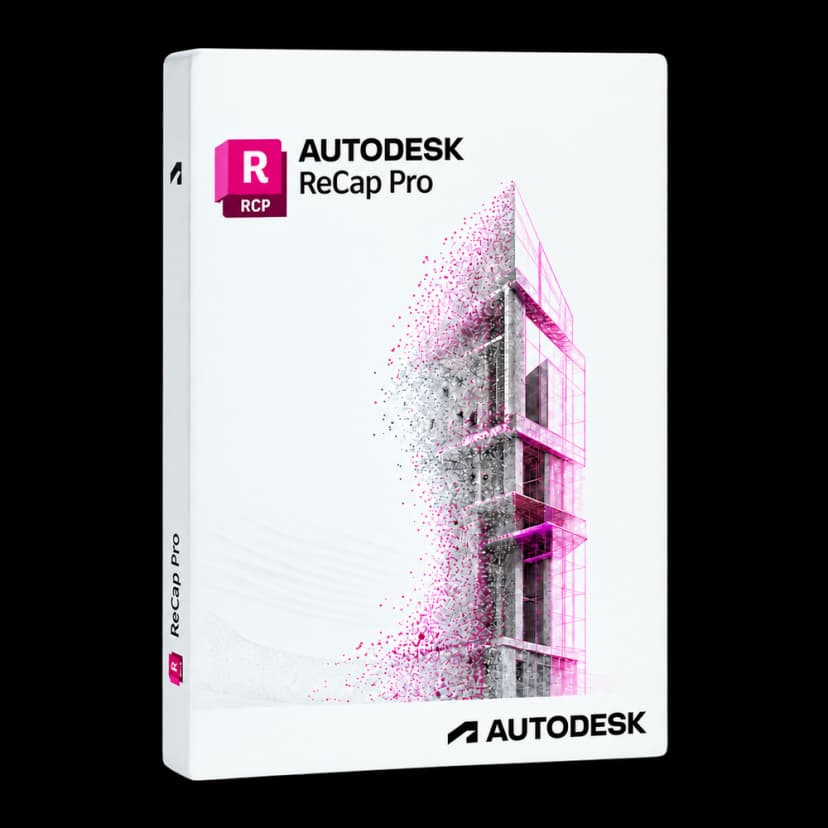
Turn surveys into a clear working reference. Autodesk ReCap Pro connects scans of existing conditions with design, renovation and technical documentation processes.
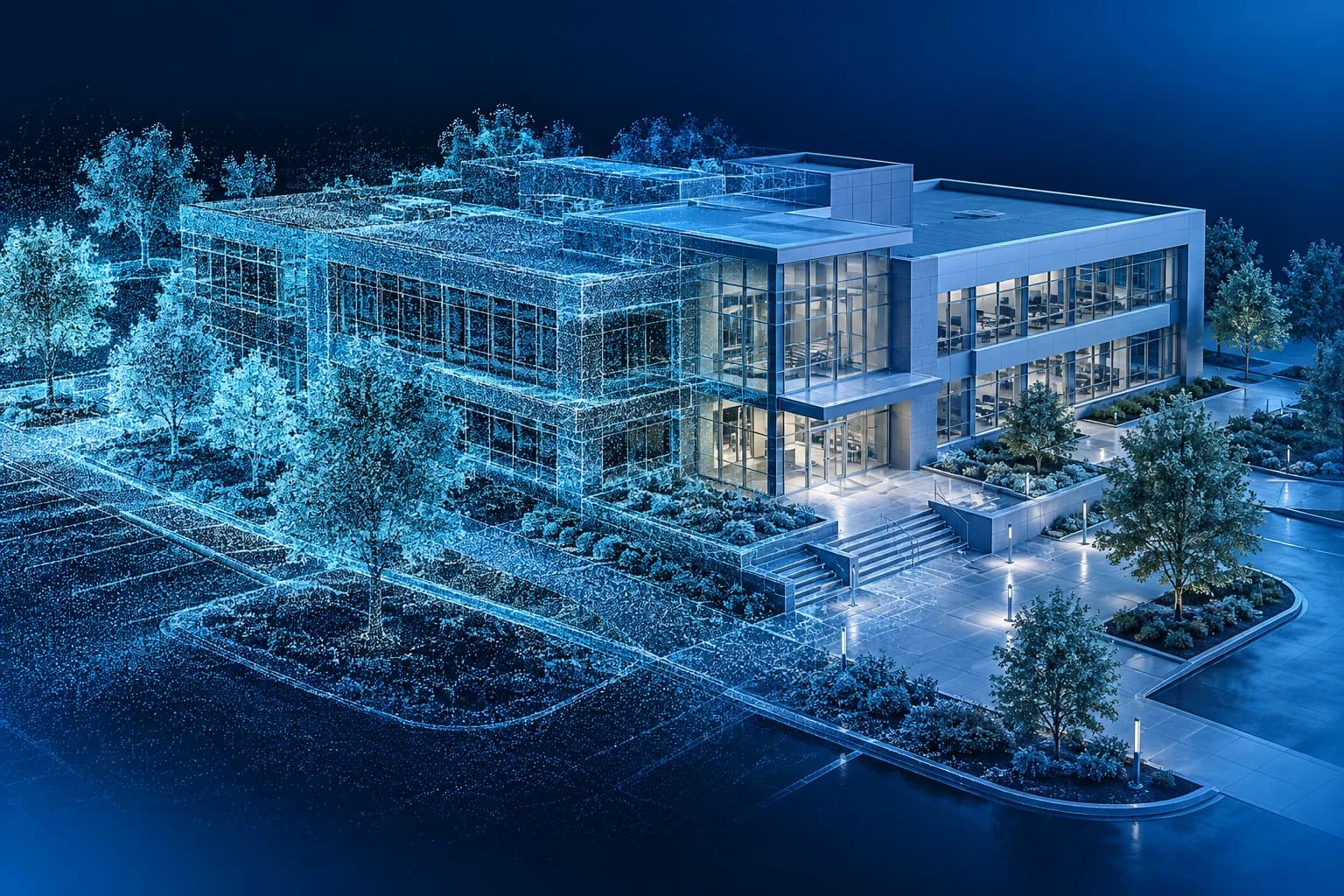
When an existing building is your starting point, every measurement matters. ReCap Pro lets you register laser scans, organise large point datasets and isolate useful areas. Designers can work with a representation of existing conditions and compare it with what they plan to build.
Align surveys and check the result to build a consistent representation of the captured environment.
Select and remove unwanted points to focus on data that is useful to the project.
Organise survey areas into regions and manage their visibility to navigate complex datasets more clearly.
Check distances and geometry in the point cloud to support preliminary checks and documentation.
Prepare survey data that can be shared and used in compatible applications while preserving spatial context.
Bring RCP and RCS into AutoCAD, Revit and Civil 3D workflows to design from real-world conditions.
Provide the modeller with a geometric reference of the building for reconstructing BIM elements.
From version 2026, generate meshes on your computer with Scan to Mesh Local without tokens. Cloud photo and mesh processing have separate terms.

ReCap Pro is suited to surveying professionals, architectural and engineering practices, contractors and technicians working on existing buildings and infrastructure. It helps connect field capture with office-based design.

An organised point dataset lets you inspect the surveyed environment and check clearances and spatial relationships. Final accuracy depends on equipment, capture and registration: the software does not replace survey quality checks.

Import and register surveys, check alignment, remove unnecessary points and organise regions of interest. Then prepare the RCP/RCS project for CAD and BIM applications: modelling continues in the dedicated tool.

Scan to Mesh Local, available from ReCap Pro 2026, converts point clouds into meshes on your computer without Flex tokens or cloud access. A mesh is not a complete BIM model. Cloud-based Scan to Mesh and ReCap Photo services have separate terms and may require tokens; publishing and collaboration depend on the services available in your account.
It registers and organises scans, cleans point clouds and prepares survey data for design work. It is useful for working with the actual conditions of buildings, facilities and infrastructure.
Personal 12 months £79.99, Personal 24 months £129.99, Commercial 12 months £379.99, including VAT: substantially less than Autodesk's official list price. The price updates when you select the version and duration.
On the activation page, enter the email address that should receive the licence. Autodesk ReCap Pro activation is sent to that address. You can choose Personal or Commercial.
A point cloud describes the surveyed geometry. BIM elements are modelled and their information organised in design tools such as Revit. ReCap prepares the survey foundation for this process.
Projects and point clouds in RCP and RCS formats can be used in compatible Autodesk workflows, including AutoCAD, Revit and Civil 3D. These applications require their own licences or are included in the AEC Collection.
No. From ReCap Pro 2026, Scan to Mesh Local processes point clouds on your computer without Flex tokens or cloud access. It is separate from cloud-based Scan to Mesh and ReCap Photo services, whose processing may require additional tokens. Check the terms for the feature and version you intend to use.
The ReCap Pro desktop application requires 64-bit Windows. Autodesk's requirements do not list a native macOS desktop version.
For 1 workstation.
Personal is available for 12 or 24 months and Commercial for 12 months. Commercial 24 months is currently unavailable, as with the other Autodesk products in the catalogue. At expiry, you can renew on Licensgo with a customer-only discount.
Yes: it is a genuine Autodesk licence, delivered by email with an invoice included.