






































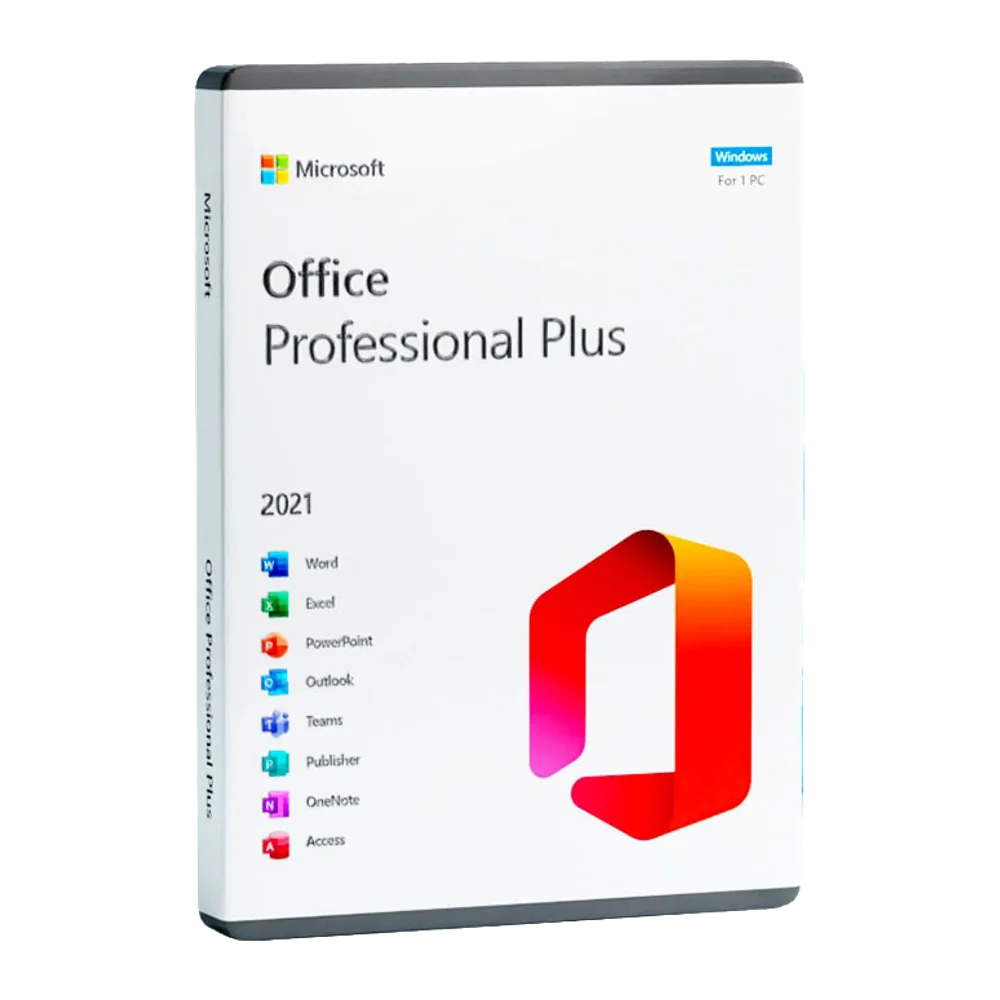

Duration12 months
Operating system Windows
 macOS
macOS
WindowsmacOSUsers1
DeliveryDigital product key
Licence typeSubscription
Cloud1 TB OneDrive
TeamsDepending on the variant

Microsoft 365
Business Standard
Version
Licence duration1-year subscription. Renewal is required to continue using the apps and services after expiry.
DeliveryReceive a digital product key to redeem through Microsoft's dedicated Business Standard process.
What's included Word
Word Excel
Excel PowerPoint
 Outlook
 OneNote
 OneDrive
 SharePoint
WordExcelPowerPointOutlookOneNoteOneDriveSharePointDuration12 months
Operating systemWindowsmacOS
WindowsmacOSUsers1
DeliveryDigital product key
Licence typeSubscription
Cloud1 TB OneDrive
TeamsDepending on the variant

Your work, connected for a year
Microsoft 365 Business Standard combines productivity applications with business services: documents, email and cloud files, with a key for a 12-month subscription.

Prepare documents in Word, analyse data in Excel and present results in PowerPoint. Outlook and Exchange support business email and calendars, while OneDrive and SharePoint help manage files. Desktop, web and mobile applications are available within the limits of the plan and supported platforms.
Applications and services for your business
The main apps in the Business Standard plan. Teams availability depends on the key variant; Copilot Business is a separate offer.
DOCUMENTI
Word
Create and review documents, proposals and reports with writing and layout tools.
DATA
Excel
Organise tables, formulas and charts to analyse and present your work data.
PRESENTAZIONI
PowerPoint
Prepare presentations for clients, meetings and training.
EMAIL AND CALENDAR
Outlook
Manage communications and appointments with the business email services included in the plan.
APPUNTI
OneNote
Collect notes, ideas and materials in notebooks organised by project.
PERSONAL FILES
OneDrive
1 TB of cloud storage per licensed user, for accessing and sharing files.
TEAM CONTENT
SharePoint
Organise company sites, documents and resources with access permissions.

BUSINESS EMAIL
Exchange
Business email and calendars, with the option to configure a domain you own.
Productivity that fits the way you work
Desktop and web apps
Work in installed applications or in your browser, with the features and availability of each version.
Business identity
Set up email on your business domain and manage users and licences in Microsoft 365.
Accessible files
Use OneDrive to sync documents and access them on compatible devices.
Shared spaces
Organise team content and resources with SharePoint, choosing who can view or edit them.
Multiple devices per user
Each user can use the plan on the devices permitted by the licence terms, including PCs and Macs.
App updates
During your subscription, you receive the updates provided for your applications and their release channel.
From product key to workspace

1. Choose the right variant
Specify how many users you want to activate and whether you need Teams. If you already have a subscription, provide your plan and region so we can check whether the key can renew it. The offer covers 12 months, not a perpetual licence.

2. Redeem your business code
After receiving the key, follow Microsoft's instructions for Business Standard. The dedicated setup lets you enter the code and configure or associate the appropriate business environment. Check the account before completing redemption.

3. Assign licences and install the apps
The administrator manages users and assigns licences. Authorised users can install the apps and access the available services. Custom-domain email requires ownership of the domain and configuration of its DNS records.

4. Manage your subscription
Check the expiry date and plan your renewal. App and service availability depends on an active subscription. Renewing with a new key must follow the terms of the plan and purchasing channel.
Product specifications
ProductMicrosoft 365 Business Standard
Offer duration1 year / 12 months
Users1 user per key (up to 5 PCs/Macs, 5 tablets and 5 mobile devices for that user)
ActivationProduct key redeemed through Microsoft's dedicated business licensing process
Main applicationsWord, Excel, PowerPoint, Outlook and OneNote
ServicesExchange, OneDrive, SharePoint and the productivity tools included in the plan
Storage1 TB of OneDrive storage per licensed user
TeamsBusiness Standard and Business Standard EEA without Teams are separate variants
Microsoft 365 Copilot BusinessSeparate add-on offer; not automatically included
Technical requirements
WindowsWindows 11 for desktop applications, according to Microsoft's current requirements
macOSOne of the three most recent major versions supported by Microsoft
RAM4 GB for desktop apps; check each application's requirements
Disk space4 GB available on Windows; 10 GB on Mac
Display1280 × 768 on Windows; 1280 × 800 on Mac
Browser and mobile devicesBrowsers, Android and iOS supported by Microsoft; features vary by device
ConnectionInternet connection for redemption, activation, subscription verification and cloud services
AccountMicrosoft 365 business environment; administrator permissions for licence management
Specific appsAccess is available on PC only; features may differ between Windows, Mac, web and mobile
Frequently asked questions
Is this a lifetime licence?
No. This offer is a 12-month Microsoft 365 Business Standard subscription. To continue using the services after it expires, you must renew it under the subscription terms.
How much does it cost?
£139.99 including VAT for 12 months and 1 user, with an invoice included.
Will I receive a key or a ready-made account?
You receive a digital product key by email. Redeem the code through Microsoft's dedicated Business Standard process and associate it with your Microsoft 365 business environment.
How many users are included?
Each key is valid for 1 user. The licensed user can install the apps on up to 5 PCs or Macs, 5 tablets and 5 mobile devices. Purchase additional keys for additional users.
Is Microsoft Teams included?
It depends on the variant. Microsoft distinguishes between Business Standard with Teams and Business Standard EEA without Teams. The variant of your key is specified in the instructions you receive by email.
Can I use the apps on multiple devices?
Each licensed user can use the plan on up to five compatible PCs or Macs, five tablets and five mobile devices. Available applications and features depend on the platform.
Where do I activate the key?
Microsoft directs Business Standard users to signup.microsoft.com/get-started/setupkey. Follow the supplied instructions and use the correct business account. Business redemption is separate from the setup process for consumer Office licences.
Can the key renew an existing subscription?
Microsoft documents the renewal of prepaid Business Standard subscriptions using a product key. Before purchasing, check that the specific key is compatible with your plan, region and existing subscription.
Does it include Copilot in Office applications?
Microsoft 365 Copilot Business is a separate add-on and should not be assumed to be included with a Business Standard key. Copilot Chat and Copilot integrated into the apps are different offerings.