



































 +
+
Parallels Desktop 26 Standard + Microsoft Office 2024 Home & Business
£166.99£209.98−20%You save £42.99


 macOS
macOS macOS+++
Run Windows applications such as Microsoft Office, Visual Studio and other programs directly on your Mac without compromising performance. Parallels Desktop 26 is the number one virtualisation solution for Mac with Apple Silicon and Intel.
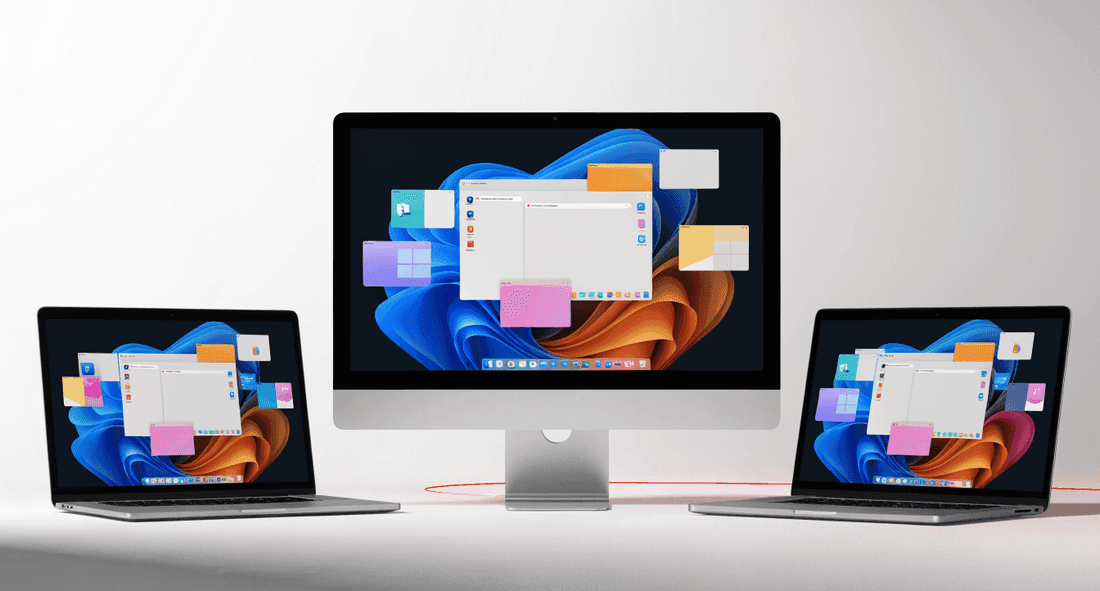
Version 26 introduces significant improvements in compatibility, performance and enterprise features.
Parallels Desktop 26 is fully compatible with macOS Sequoia 15.5, ensuring a smooth experience with the latest Apple operating system features.
Native Apple Silicon support with optimised performance for M1, M2, M3 and M4 chips.

New options for managing virtual workspaces, with better integration between Windows and macOS windows.
Improved Coherence mode makes Windows applications indistinguishable from native Mac apps.

Improved graphics performance for Windows gaming on Mac, with optimised DirectX and OpenGL support.
Faster virtual machine startup and more efficient memory management for a smooth experience.
 Standard
 Pro
ProIt is a perpetual licence: one payment gives you lifetime use of the purchased version, without annual renewal fees. Unlike Pro, which is subscription-based, Standard is a one-off purchase.
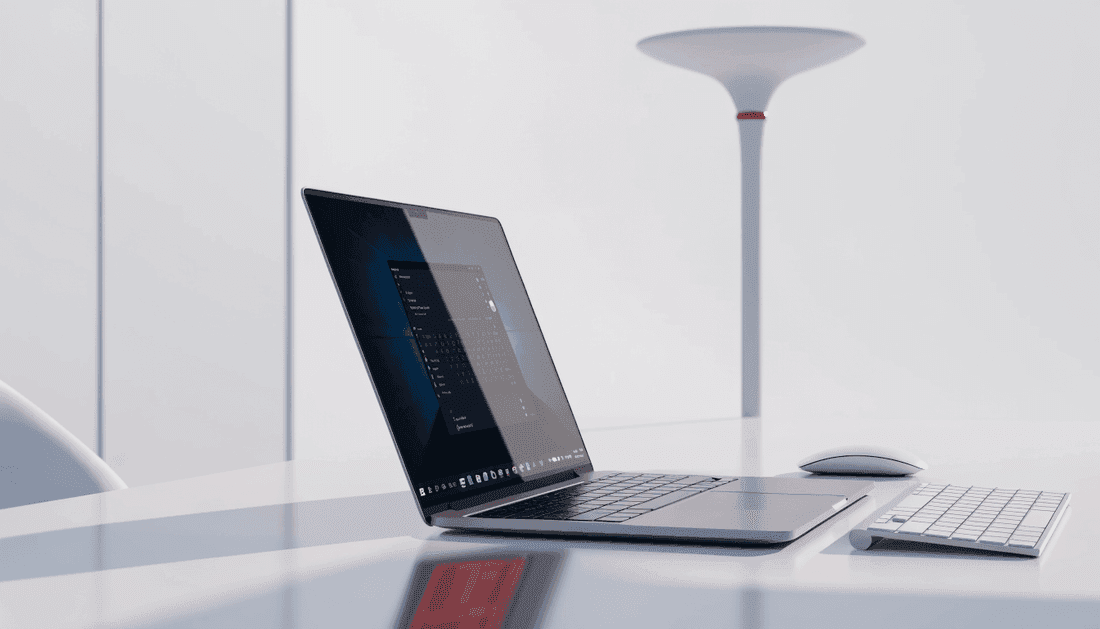
Parallels Desktop runs Windows on your Mac without restarting, so you can use Windows programs alongside macOS apps. Standard (£79.99) is designed for everyday and home use.
The licence covers 1 workstation: one Mac. Installation on additional Macs requires a licence for each.
You receive the product key by email. Install Parallels Desktop on your Mac, sign in to your Parallels account and enter the key to activate the licence.
Yes. Parallels Desktop 26 Standard is genuine software with a legal licence, and Licensgo issues an invoice for every purchase.