

























Autodesk AEC Collection · Personal 12 months
£299.99£499.99−40%You save £200.00

 Windows
 Windows
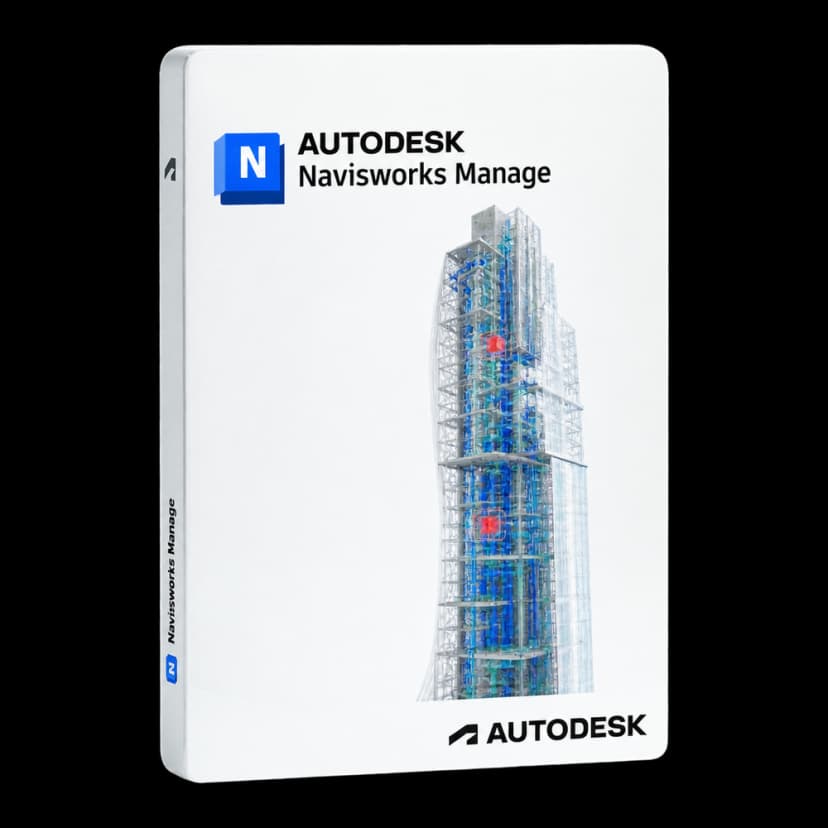
Bring models from every discipline into one environment and find clashes before they reach the construction site. Autodesk Navisworks Manage connects design and construction through BIM project review, coordination and simulation.

When architecture, structures and building services originate in different software, conflicts may only emerge during construction. Navisworks Manage aggregates project files into a federated model, supports navigation even in very large models, and lets you check, document and assign clashes with Clash Detective. The same information supports 4D and 5D simulations and quantity take-offs.
Open and combine files from over 60 CAD and BIM formats, including IFC, in one application dedicated to project review.
Check, analyse and document clashes within the 3D model, with rules and reports for each pair of disciplines.
Create and assign coordination issues and track them through Autodesk Construction Cloud and Revit until resolved.
With TimeLiner, connect objects to the schedule, import schedules and costs, and animate construction phases.
Measure lines, areas and counts from 2D sheets or 3D models, then export data to Excel for quantity take-offs.
Explore even very large models with sections, measurements, comments and saved viewpoints to share with the team.
Open Navisworks files in AutoCAD, Revit and ReCap Pro, keeping a single reference between design and construction.
Share the coordinated model in NWD format, also viewable with the free Navisworks Freedom viewer.

Navisworks Manage is designed for BIM managers, project coordinators, construction firms, engineering practices and building services teams coordinating models from different disciplines. It is useful for running coordination meetings and documenting model-related decisions.

Finding a clash between an air duct and a beam before installation avoids rework, changes and site stoppages. The value of checking depends on the quality and currency of the models received: Navisworks checks what the disciplines have modelled; it does not replace design work.

Import discipline models, aggregate them in an NWF file, set up Clash Detective tests between discipline pairs and assign results to the responsible people. Saved views, comments and reports support coordination meetings; the published NWD model is distributed to those who only need to view it.

TimeLiner connects model elements to schedule activities, including those imported from project management applications, to simulate construction phases and associated costs in 4D and 5D. Quantification extracts measurements and counts from 2D sheets and 3D models. Issue management with Autodesk Construction Cloud depends on the services available in your account.
It brings project files from different disciplines together in a single federated model, supports team review and identifies clashes before construction starts. It also includes 4D and 5D simulation, quantification and publishing of coordinated models.
Personal 12 months £79.99, Personal 24 months £129.99, Commercial 12 months £379.99, including VAT: substantially less than Autodesk's official annual price per user for Navisworks Manage. The price updates when you select the version and duration.
On the activation page, enter the email address that should receive the licence. Autodesk Navisworks Manage activation is sent to that address. You can choose Personal or Commercial.
Both aggregate models, support navigation, simulate construction phases in 4D and 5D, quantify and publish in NWD format. Only Navisworks Manage includes Clash Detective for detecting and managing clashes, along with integrated issue management with Autodesk Construction Cloud and Revit. Contact us for a quote if you need Simulate.
Autodesk lists support for over 60 CAD and BIM formats, with an IFC reader based on the same code as Revit. Coordinated models are saved in NWF and published in NWD; Navisworks files can also be opened in AutoCAD, Revit and ReCap Pro.
Navisworks Manage works independently and reads models produced by other software. Editing projects still requires the original applications, which need their own licences or are included in the AEC Collection.
Yes. A model published in NWD format can be viewed with Navisworks Freedom, Autodesk's free viewer, so site teams and clients can navigate it without a subscription.
No. Navisworks requires 64-bit Windows 11 or Windows 10; Autodesk does not list a native macOS desktop version.
For 1 workstation.
Personal is available for 12 or 24 months and Commercial for 12 months. Commercial 24 months is currently unavailable, as with the other Autodesk products in the catalogue. At expiry, you can renew on Licensgo with a customer-only discount.
Yes: it is a genuine Autodesk licence, delivered by email with an invoice included.