
































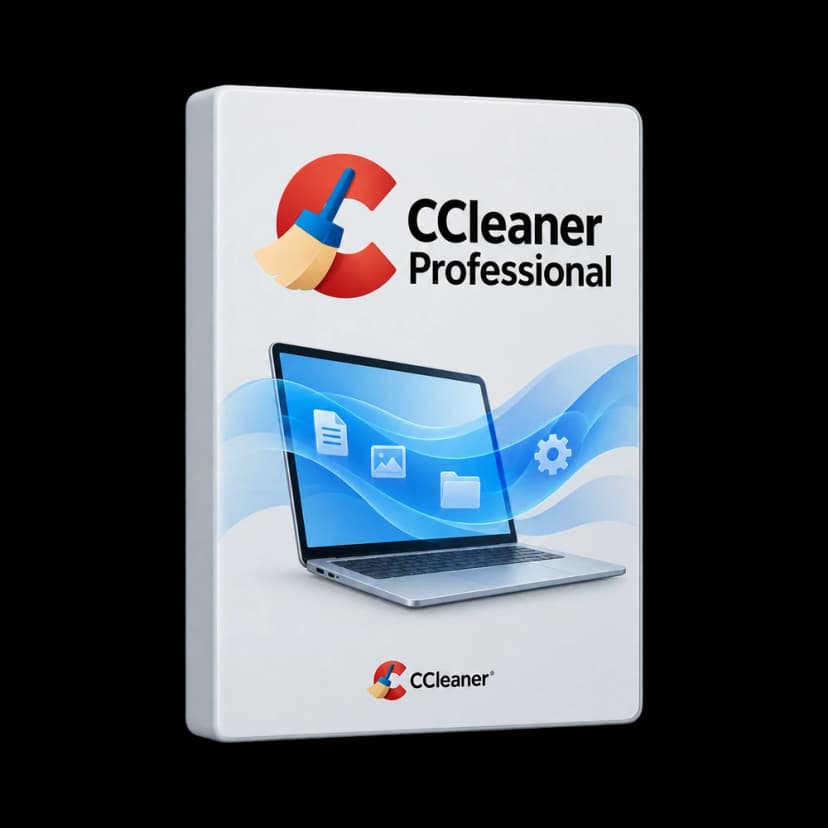
CategoryPC maintenance and clean-up
Operating system Windows
WindowsEditionProfessional
PlatformWindows
Licence duration12 months
Devices1 PC
DeliveryDigital

CCleaner Professional
Edition
Operating system
Licence duration
Delivery
CategoryPC maintenance and clean-up
Operating systemWindows
WindowsEditionProfessional
PlatformWindows
Licence duration12 months
Devices1 PC
DeliveryDigital

A tidier PC, less repetitive maintenance
CCleaner Professional combines Windows clean-up and maintenance in one environment. It is designed for everyday PC users who want to manage temporary files, background programs and updates without switching tools each time. Start with a computer analysis: review what is detected, then choose actions suited to how you work.

A laptop used for browsing, studying or working on documents accumulates service data and applications that keep running after they are closed. CCleaner helps you establish a routine for these areas with clean-up categories and dedicated tools. Recovered space and performance changes depend on disk contents, hardware and installed programs: every computer starts differently.
Tools to care for Windows
File clean-up
Analyse supported applications' caches and temporary files, review selected categories and remove data you do not want to keep.
Health Check
Review proposed clean-up, startup program and update actions, then decide which to apply to your computer.
Performance Optimizer
Pause selected programs' background activities; they can reactivate when you use the relevant applications again.
Software Updater
Identify recognised applications needing updates and choose the actions to perform, without searching for every update separately.
Driver Updater
Check detected drivers and available updates for supported hardware, considering your computer manufacturer's guidance.
Browser clean-up
Configure cache, history and cookie clean-up for compatible browsers, keeping cookies for sites you exclude.
Smart Cleaning
Choose notifications or automatic clean-up based on accumulated files; also manage clean-up when supported browsers close.
Startup management
Review items that start with Windows and decide which automatic starts are actually useful in your routine.
A maintenance routine suited to your computer

Choose what to clean and what to keep
Health Check guides you through the main maintenance areas. Custom Clean offers more detailed category choices, useful for treating Windows and application data differently. Review your selection before cleaning and consider which information you still need during the working day.
Cookie management is a practical example. Keep cookies for frequently used services and clean others rather than treating every site the same. Removing a cookie may require a new sign-in or reset preferences: prepare exclusions around your services, without confusing cache with documents and credentials that need safeguarding.
After the first clean-up, open your usual websites and programs to check that the configuration matches your preferences. A considered, repeatable selection is more useful than indiscriminate cleaning. Refine the routine as your software changes.

Manage background activities
A program can continue running services or tasks after its window closes. Performance Optimizer analyses these situations and suspends selected applications' background work. Necessary activities can reactivate when you use the application again; the program remains installed and available.
Consider a PC with several occasionally used tools. Activity control helps distinguish what must always remain operational from what can wait. Startup programs are another area to review: not every installed application needs to launch when Windows starts.
Assess effects on real use, observing the applications you open and the work you do. There is no identical improvement for every PC: available memory, disk, workload and initial configuration affect results. Software maintenance does not change the hardware's physical characteristics.

Make informed update choices
Software Updater checks recognised applications, distinguishing up-to-date ones from those with detected updates. Select actions to perform, bringing recurring checks together in one place, particularly on PCs with many programs. Coverage depends on the supported catalogue and does not necessarily include every installed application.
Driver Updater instead handles components that let Windows communicate with hardware. Driver and application analysis serve different purposes; updating a program is not the same as updating its driver. For specialist peripherals or business-managed computers, also consider manufacturer guidance and your environment's procedures.
Schedule updates around your work: save open documents and check the result before resuming important tasks. CCleaner brings maintenance tools together, but the choice of actions still depends on the computer's needs and configuration.

Professional for Windows, for 12 months
This configuration covers CCleaner Professional for Windows for 12 months. The edition name matters: Professional Plus and Premium are separate packages with different products and services. In particular, the official comparison places Recuva file recovery and Speccy hardware information in Professional Plus.
Before requesting a quote, consider which computers and operating systems you need to cover. Specify the number of PCs rather than assuming it from the Professional name: authorised devices and supply details must match the licence offered. Mac and Android editions have separate products and terms.
This edition brings together Windows PC clean-up, automation and maintenance. It does not replace antivirus or backup: keeping document copies and protecting the computer are complementary activities with their own tools and purposes.
From accumulated files to a clean-up routine
Imagine a laptop used throughout the week for websites, documents and different applications. Before taking action, distinguish your files from temporary software data. The first aim is to understand what is proposed for clean-up, not to reach a predetermined amount of free space. An already tidy computer may have little to remove.
Run an initial analysis, review categories and decide which cookies to keep. After clean-up, check frequently used services and adjust preferences before automating. This establishes a routine suited to your computer: the same selection may not suit both a personal laptop and a shared workstation.
Smart Cleaning can notify you when files accumulate or clean automatically, according to your configuration. Browser options and periodic scheduling are also available. Choose timings and settings that fit your habits, reviewing them when you install new applications or change how you use the PC. Automation is useful after carefully defining what to include.
- Analyse caches and temporary files by category.
- Keep cookies for sites you use frequently.
- Configure alerts, automatic clean-up and scheduling.

Leave active applications the resources they need
During a working day, you may switch from a browser to a spreadsheet, then a call and an application used only once. Closing windows does not always stop every associated activity. Performance Optimizer lets you inspect the programs involved and choose which activities to pause when unnecessary.
Review in small steps. Start with familiar programs, assess background use and test the configuration in a normal session. Not all secondary activities are unnecessary: tools that must remain operational need to be considered in context. Aim for an informed configuration, not the largest possible number of suspended programs.
Combine this review with startup checks and regular update management. If the computer remains slow, consider the workload and available hardware: file clean-up and activity management address different aspects. CCleaner Professional brings them into an ongoing maintenance routine that can adapt to your habits and installed software.
- Review programs running in the background.
- Suspend selected applications' activities.
- Review automatic startup alongside updates.
Product specifications
ProductCCleaner Professional for Windows
BrandCCleaner, part of Gen Digital
Duration12 months
Clean-upTemporary files, caches and supported browser data
PC analysisHealth Check
Background activityPerformance Optimizer
MaintenanceSoftware Updater and Driver Updater
AutomationSmart Cleaning and browser clean-up according to your settings
Edition on this pageProfessional; Professional Plus and Premium packages are separate
LanguageEN
Technical requirements
Reference systemWindows 11 or Windows 10
Older systemsThe Professional page also lists Windows 8.1 and 8; check the release before installing on an older system
ArchitectureCompatible 32-bit or 64-bit Windows versions; the Professional page also lists Windows on ARM
Excluded editionsWindows in S mode, Mixed Reality, Mobile, IoT, Starter and RT
Memory and diskThe manufacturer does not publish separate minimum RAM or disk-space thresholds in the Driver Updater listing; allow space for installation, downloads and temporary files
ConnectionInternet connection for downloads, installation, activation and update services
Available featuresTool, browser and application compatibility depends on the installed release
AccessibilityThe manufacturer recommends an up-to-date version of the NVDA screen reader
Frequently asked questions
How much does it cost?
£29.99 including VAT for 12 months of CCleaner Professional on 1 Windows PC, with an invoice included.
What is CCleaner Professional used for?
It combines tools to remove unnecessary files, manage browsing data and maintain your PC. It includes Health Check, Performance Optimizer and update tools for supported software and drivers.
How long does the licence last?
12 months of CCleaner Professional for 1 Windows PC from product key activation. Purchase a new licence on Licensgo at expiry.
Does Professional include Recuva and Speccy?
No. The official comparison reserves Recuva file recovery and Speccy hardware information for Professional Plus. This page covers Professional.
Is it also available for Mac?
CCleaner offers a separate Mac product. This page's licence is for Windows and does not automatically include Mac or Android editions.
Does Performance Optimizer uninstall programs?
No. It can suspend selected programs' background activities and reactivate them when needed. Results depend on the computer and applications in use.
Can I choose what to delete?
Configure clean-up categories and exclusions. Check browser settings: removing cookies and saved data may require signing in to websites again.
Does it replace an antivirus?
No. CCleaner Professional is a clean-up and maintenance program, not a replacement for antivirus software.
How many devices can I use it on?
This licence covers 1 Windows PC. Purchase one key per PC for additional computers.