

































 +
+
Microsoft Office 2021 Professional Plus + Windows 10 Home
£46.99£59.98−22%You save £12.99

 Windows
 Windows+
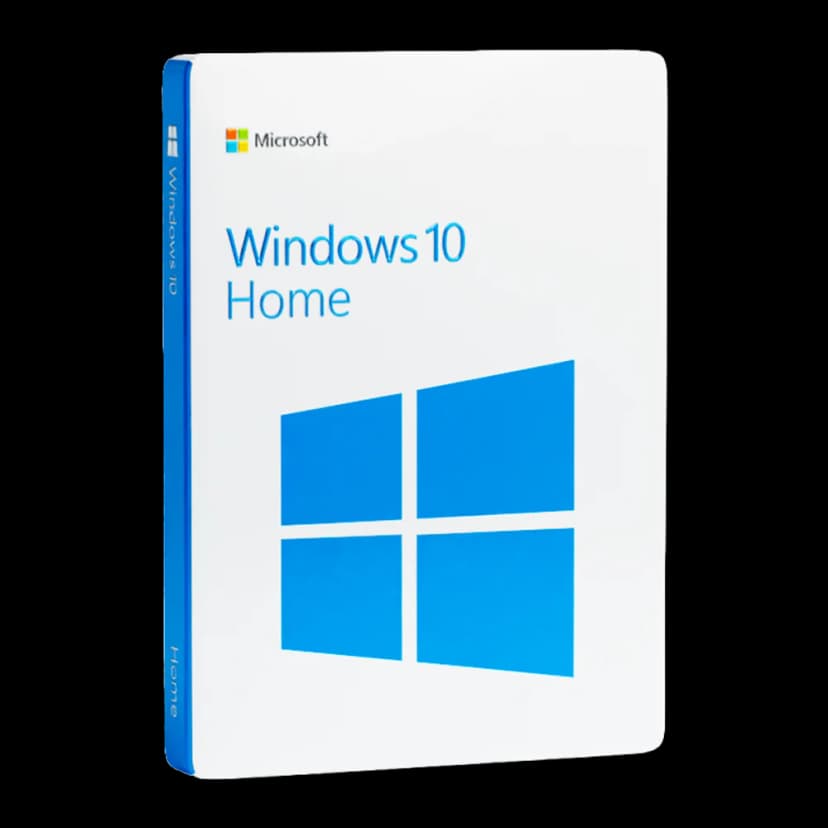
Windows 10 Home is Microsoft's versatile and intuitive operating system, designed to deliver a smooth and secure user experience. With the return of the Start menu, the Cortana voice assistant, and the Microsoft Edge browser, Windows 10 represents a major leap forward in everyday PC usability.
Windows 10 Home is designed to adapt to your digital lifestyle, offering a familiar, secure, and productive environment for every type of use.
Windows 10 brings back the Start menu in a completely redesigned form, combining the familiarity of Windows 7 with the live tiles introduced in Windows 8 for quick access to apps and information.
The new Start menu is fully customisable: pin your favourite apps, resize tiles and organise them into groups for instant access to what matters most.
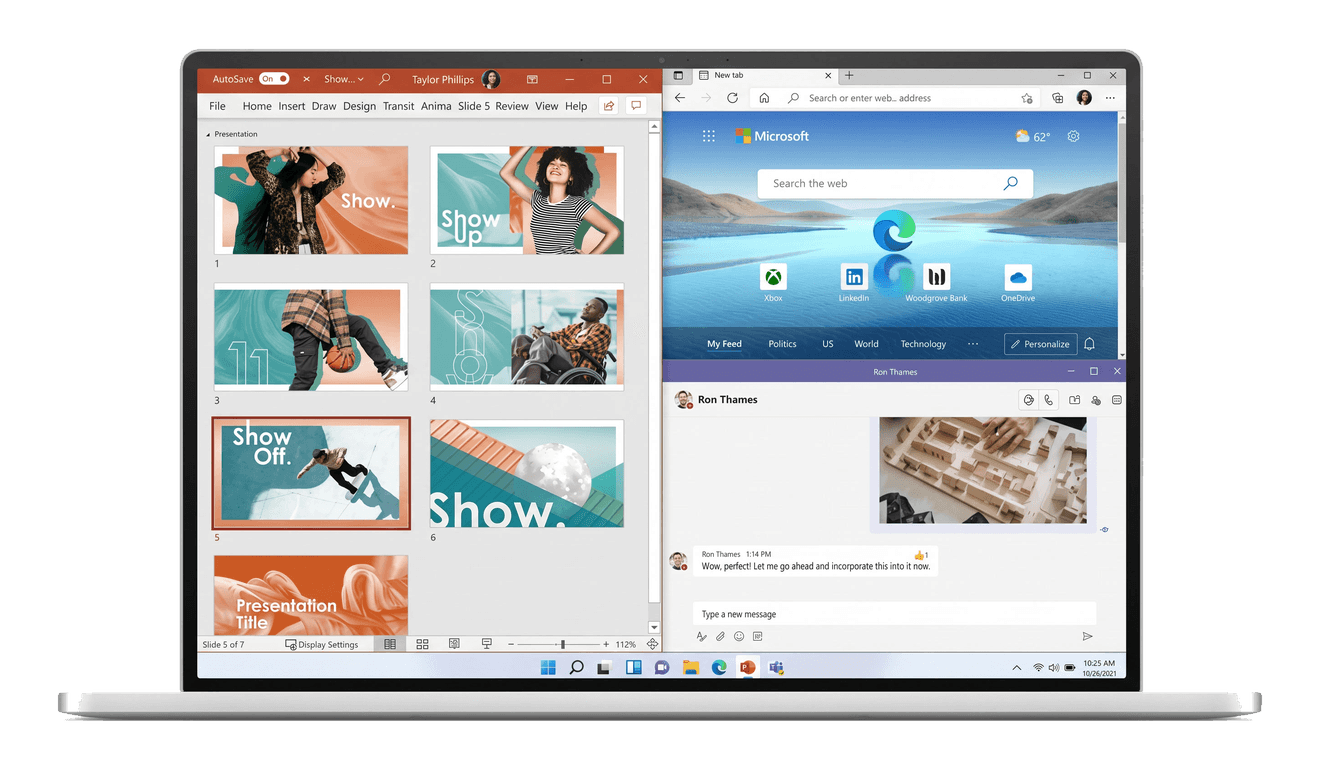
The Snap Assist feature lets you place up to four windows side by side on the screen with a simple drag, optimising your workspace.
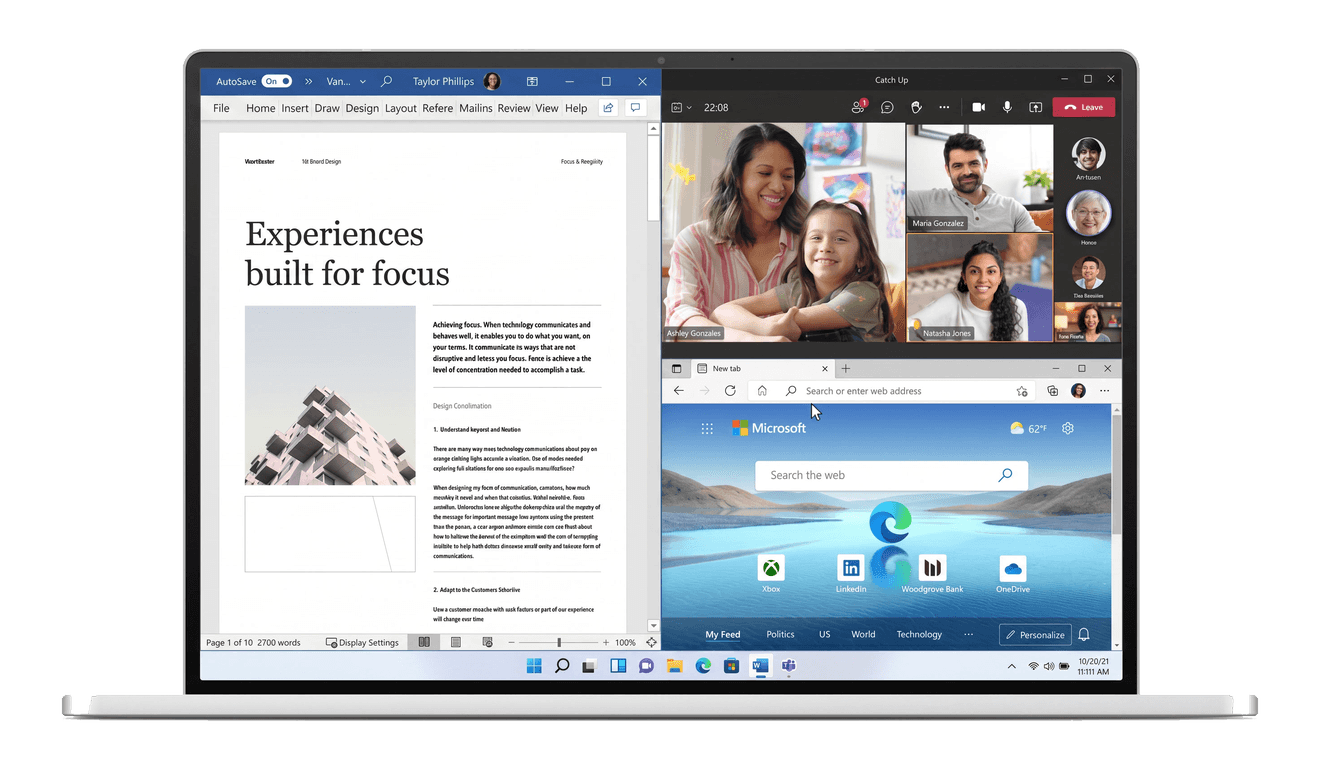
The Microsoft Store offers a wide selection of verified and secure applications, games, and multimedia content, all available with a single click.
Universal apps are optimised to work on any Windows 10 device, ensuring a consistent experience across PC, tablet and smartphone.
App updates are managed automatically, ensuring you always have the latest and most secure version.

Task View shows all open windows and virtual desktops at a glance, allowing you to quickly switch between activities and stay organised.
Virtual desktops allow you to create separate environments for work, study and leisure, keeping each activity organised and accessible.
Quickly navigate between your virtual desktops and manage running applications with a simple keyboard shortcut or click.
Cortana is the intelligent voice assistant built into Windows 10, capable of answering questions, setting reminders, managing your calendar, and searching for files on your PC.
Thanks to its deep integration with the operating system, Cortana learns from your habits to offer personalised suggestions and relevant information at the right time.
You can interact with Cortana via voice or keyboard, making the user experience more natural and immediate.
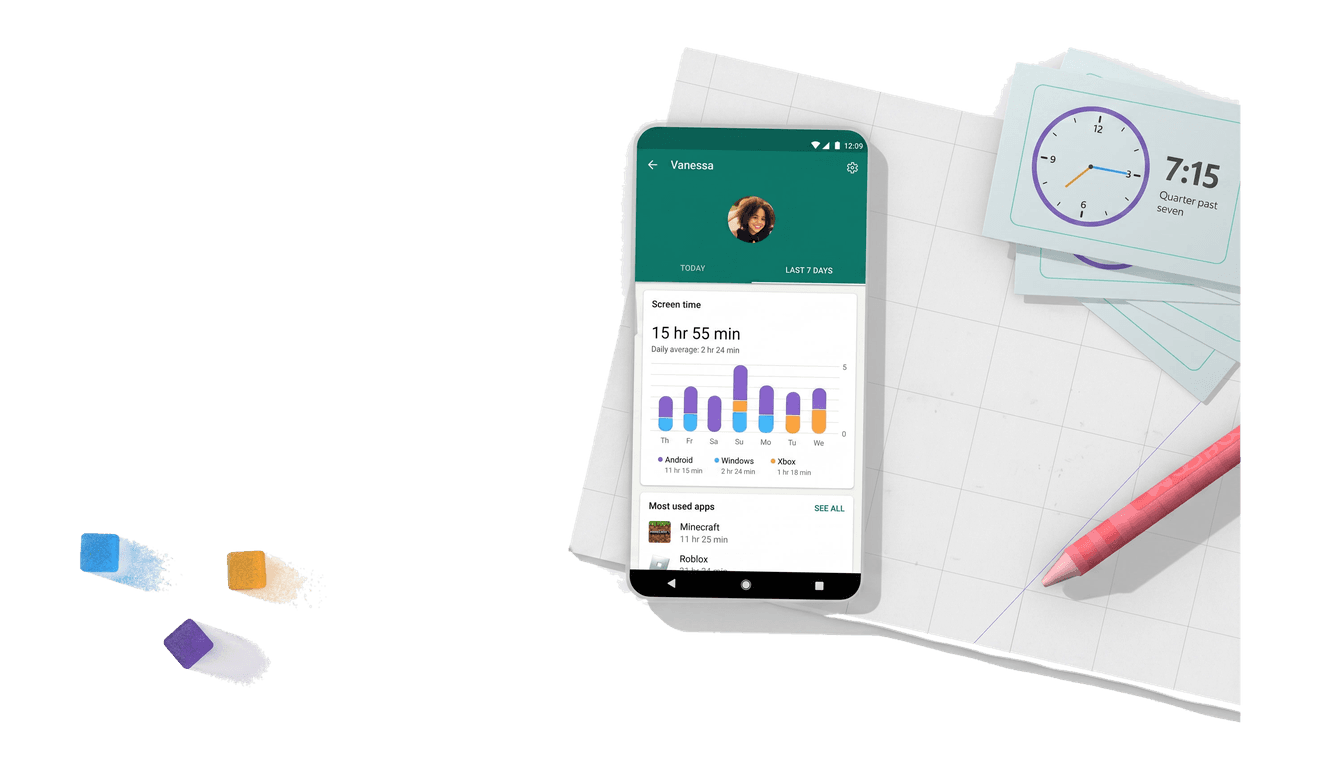
Windows 10 Home includes comprehensive parental controls through Microsoft Family Safety, allowing you to manage screen time and restrict access to age-inappropriate content.
Set precise limits for each family member to ensure a healthy balance between online time and other activities.
Monitor your children's online activity and manage app purchases to keep your family safe in the digital world.
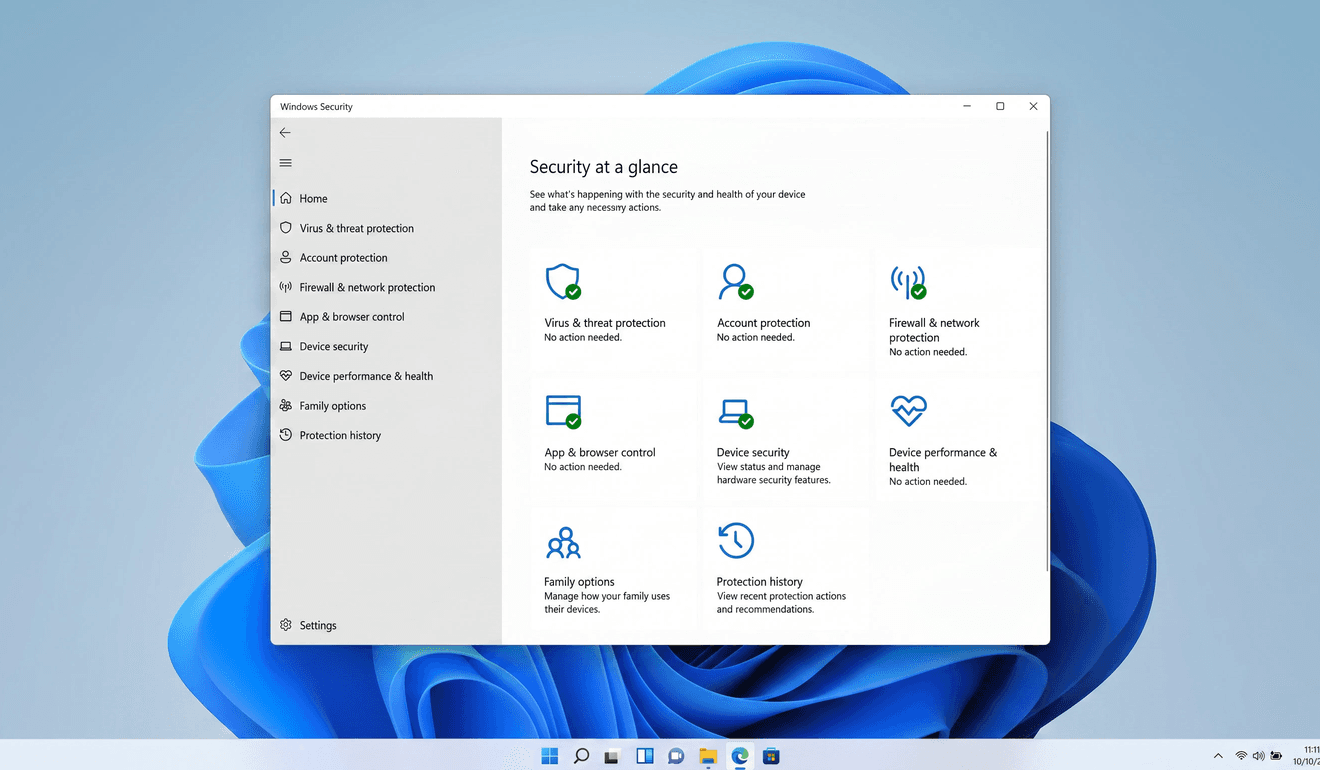
selected innovations in the operating system.

Connect your smartphone to your Windows 10 PC to access your photos, messages, and notifications directly from your desktop.

Seamlessly switch between desktop and tablet mode. Windows 10 adapts the interface to match how you use your device.

Log in to your PC in less than 2 seconds with facial recognition or fingerprint — 3 times faster than entering a password.

Arrange your screen any way you like, easily manage multiple programs and documents on one screen and snap up to 4 windows to optimise your workspace.

Windows Defender provides built-in antivirus and antimalware protection that constantly monitors your system to keep your data secure.

Connect family members' Microsoft accounts to manage screen time, restrict access to adult content and control online purchases.
It is a perpetual, lifetime licence: you pay £19.99 once, with no fees or renewals. The product key remains valid without an expiry date for Windows 10 Home.
The licence covers 1 PC. It is intended for installation and activation on a single computer.
After payment, you receive the 25-character product key by email. Activate Windows 10 Home by entering the code during installation or in Settings > Update & Security > Activation, online or by telephone.
Yes. It is a genuine Microsoft licence, with an invoice included. You receive the key by email for lawful use of the operating system.
Windows 10 Home covers home and everyday use. Professional adds business features such as BitLocker, Remote Desktop hosting, joining a business domain and Hyper-V. If you do not need these advanced features, Home is sufficient.
A step-by-step guide to activating Windows 10 Professional with a product key or digital licence, using Command Prompt (slmgr) and fixing common errors such as 0xc004f074.
Read moreUnderstanding the difference between OEM and Retail software licences helps you choose the right option. We break it down in simple terms.
Read moreMoving to a new PC? Learn how to legally transfer your Windows licence and keep your software investment protected.
Read more