


























 +
+
Adobe Creative Cloud + Microsoft Office 2024 Professional Plus
£62.99£79.98−21%You save £16.99


 Windows
 macOS
macOS
 Photoshop
 Illustrator
 Adobe XD
 Premiere Pro
 After Effects
 Animate
 InCopy
 Media Encoder
 Lightroom
 AcrobatWindowsmacOS+
 +
+Creative Cloud membership allows you to download all desktop applications and install them on your local computer, as well as providing access to additional online applications and services. Desktop applications included in the membership are available for Mac OS and Windows®.
The software includes all available language versions.

Photoshop

Lightroom

Illustrator

Premiere Pro

InDesign

Adobe XD

Fresco

Premiere Rush

After Effects

Dimension

Acrobat Pro

Dreamweaver

Animate

Audition

Lightroom
Classic

Character
Animator

Spark

Bridge

Media Encoder

InCopy

Prelude
Designers. Photographers. Filmmakers. Dreamers. Whoever you are, with Creative Cloud you'll get access to world-class design applications to create whatever you want, whenever inspiration strikes.
Creative Cloud is a collection of over 20 desktop programs, mobile applications, and services covering photography, design, video editing, website creation, and usability refinement. Now you can work in new places using Photoshop on iPad, draw and paint with Fresco, and design 3D materials and augmented reality elements.

Selected new features in Adobe Creative Cloud
New transitions in the Effects panel
Adobe Premiere Rush
Premiere Rush now includes three new transitions: Push, Slide, and Wipe. You can add transitions between clips for a smooth and seamless transition from one clip to another.
Design in a new dimension
Adobe XD
Step into a new magical 3D UX plane. Move or rotate objects in space, add depth, and present your work in perspective. Design with intuitive tools and discover a wonderful dimension.
Neural filters
Adobe Photoshop
Neural Filters is a new workspace in Photoshop. It contains redesigned filters powered by Adobe Sensei that make it easier to bring many creative ideas to life. The power of artificial intelligence in the workspace allows for advanced modifications.

Enhanced cloud files
Photoshop & Lightroom
With the new Version History panel, you can now access previously saved versions of cloud documents. Additionally, you can work on the go, offline, and share the last opened cloud file for later offline editing.
Process-accelerating features
Adobe Illustrator
The composition colour change function has been improved to make it easier to experiment with different colour variants. You can now choose a colour theme based on any illustration or photo.
Subject-aware text wrap
Adobe InDesign
Reduce the time needed to detect an object in an image and effortlessly wrap text around it. Use intelligent object detection directly in the program.
Creativity is everywhere
Adobe Photoshop
The creative power of Photoshop is available on iPad. Open full-size PSD files, retouch photos, create advanced compositions, and control brushes with your finger or Apple Pencil.
Unlimited layers
Adobe Fresco
Drawing with an unlimited number of layers, you can test new ideas and experiment with effects, blending modes, transparency, or colour.

Modern user interface
Photoshop & Lightroom
The simplified, clutter-free interface allows you to display only the tools you really need in your workspace.
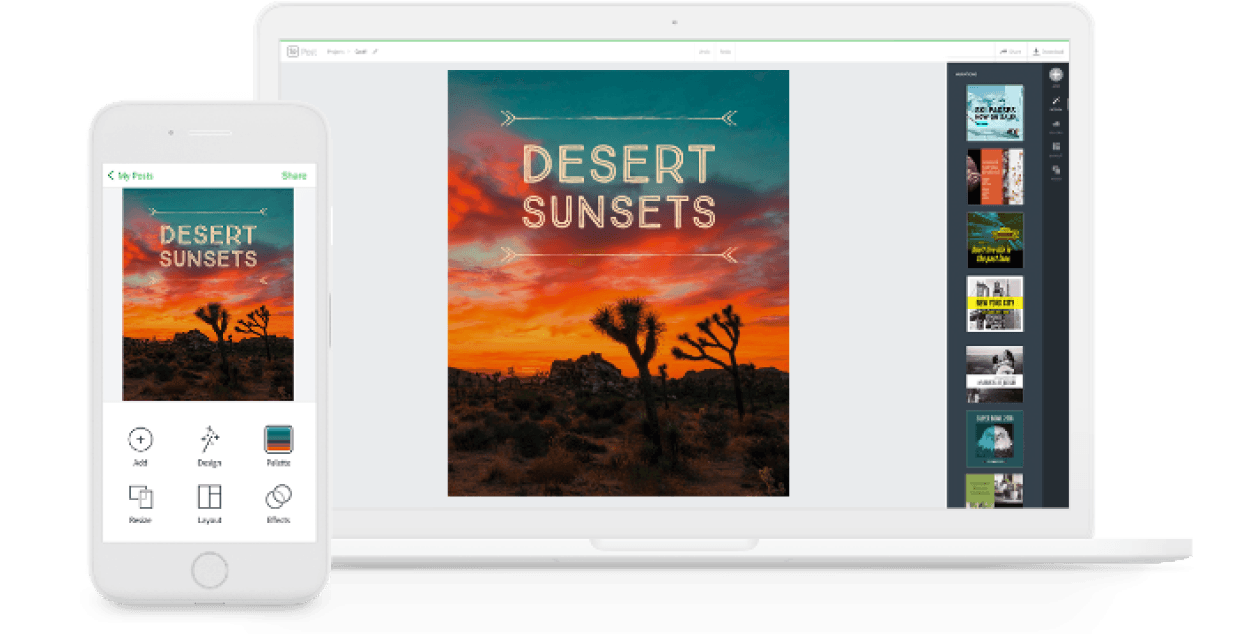
Posters, packaging, banners, websites — graphic designs start in Photoshop. Combine photos, graphics, and text to create entirely new images. Select objects with a click. Experiment with colours and effects to refine every graphic design.

Turn shapes and colours into logos and icons. Create typography, draw freehand, trace and repaint graphics. Illustrator works with vectors, so compositions remain sharp even when enlarged to stadium size.

The software lets you prepare everything — stationery, flyers, posters, brochures, annual reports, magazines, and even books. Professional layout and typesetting tools allow you to create multi-column pages combining aesthetic typography with rich graphics, illustrations, and tables.
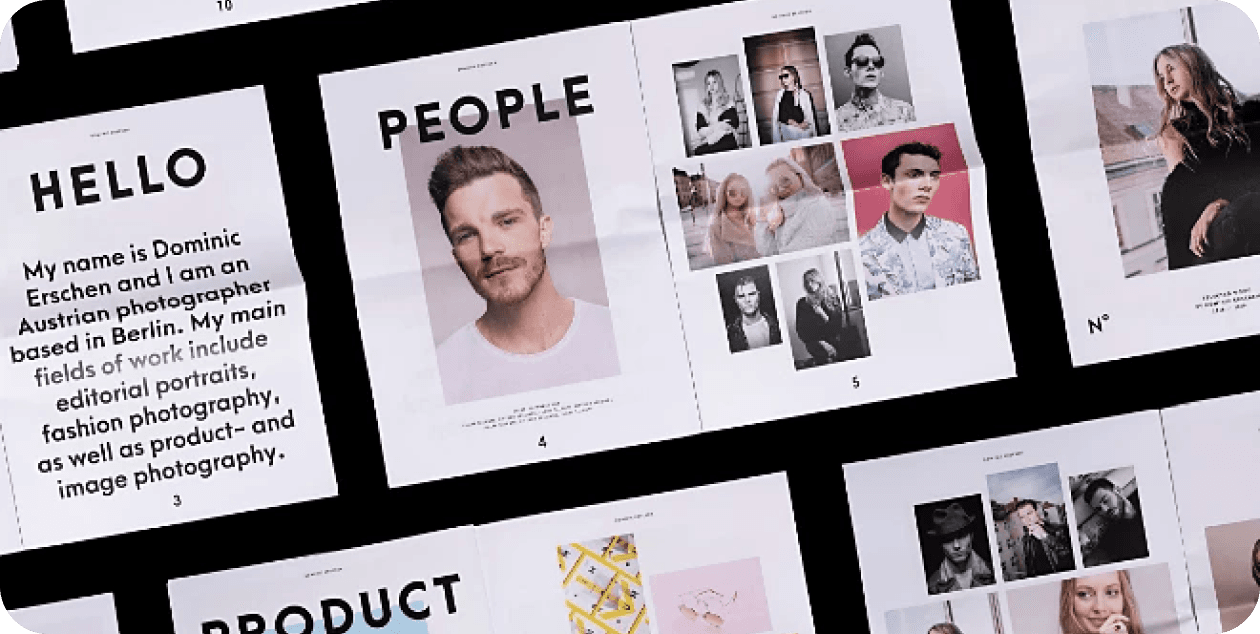
Design faster with tools built for collaboration. Quickly make changes using paragraph, character, or object styles. Online project sharing and PDF review features simplify the review process.
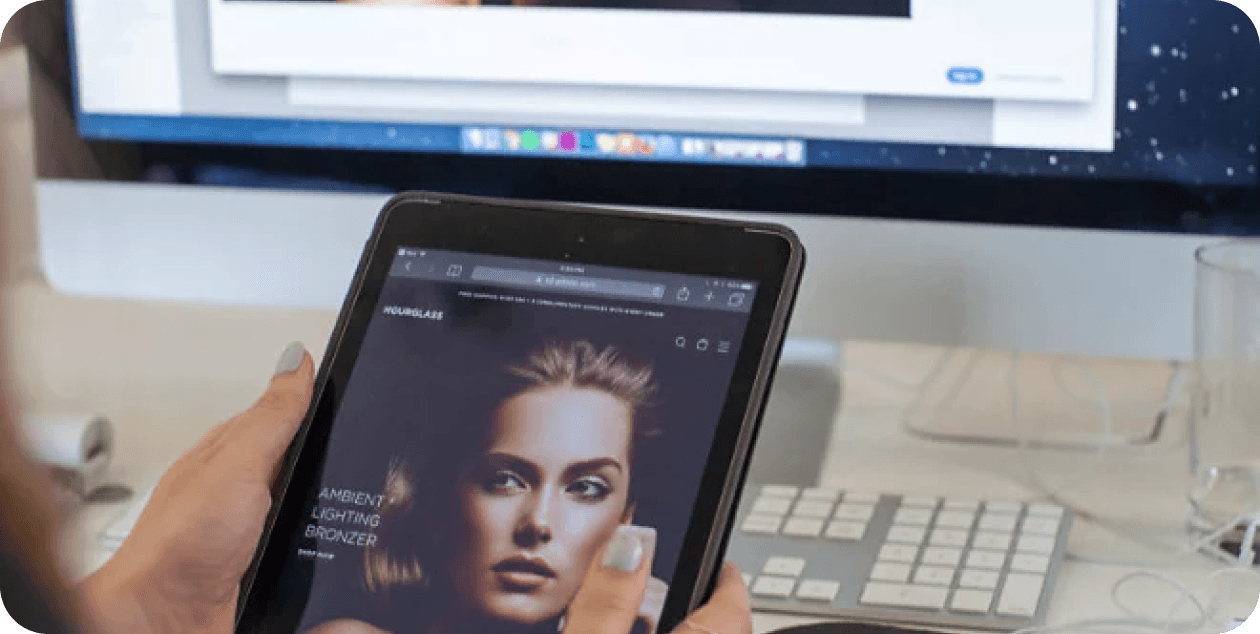
Websites you create actively adapt to every screen size. Preview the site you're designing and make changes in real time. Quickly create social media posts with the Spark app: text and photos become attractive, professional-looking graphics.
You receive ready-to-use Adobe Creative Cloud account credentials, with access to the suite's apps: Photoshop, Illustrator, Premiere Pro, After Effects, Lightroom and others.
It is a fixed-term subscription, according to the plan selected when ordering; it is not a perpetual licence.
You receive the credentials by email. Use them to sign in to Creative Cloud and start using the apps immediately, without entering activation codes.
On 1 workstation at a time.
Yes: you receive access to a genuine Adobe Creative Cloud account and an invoice.