

























Autodesk AEC Collection · Personal 12 months
£299.99£499.99−40%You save £200.00


 Windows
 macOS
macOS WindowsmacOS
Autodesk Fusion 2027 is the all-in-one cloud platform that combines 3D design, simulation, manufacturing and data management in a single collaborative environment, letting you go from idea to finished product without switching software.
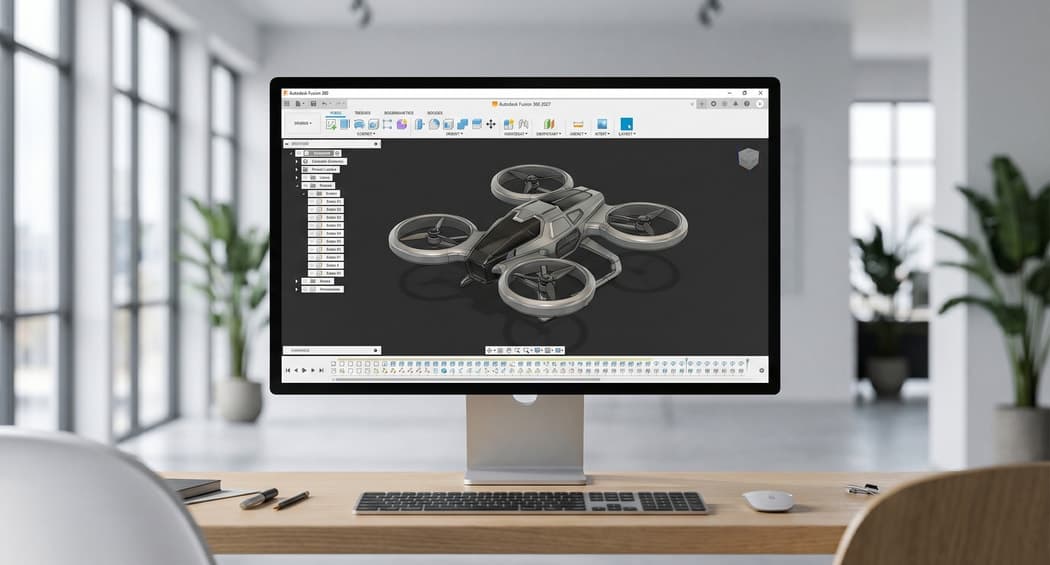
Imagine having to manage a complex project spanning 3D design, structural simulation and CNC toolpath generation, all while jumping between different applications and losing hours to file conversions. Autodesk Fusion 2027 solves exactly this: it is the complete ecosystem where you design, simulate, analyse and prepare manufacturing in a single environment. You create a 3D model, test its behaviour under stress, optimise the design with artificial intelligence and generate machine toolpaths without ever leaving the software. Whether you are an engineer, a designer or a manufacturing company, Fusion eliminates unnecessary steps and saves you weeks of work, delivering better products in less time.
Model with total freedom while keeping control: change one dimension and everything updates automatically. Perfect when clients request last-minute changes.
Test your design before manufacturing it: discover where it fails, where it overheats, where you can save material. No more surprises in production.
Describe what you want to achieve and artificial intelligence automatically generates optimised geometries, saving you hours of manual iteration.
From 3D model to toolpaths in a few clicks: supports milling, turning and probing up to 5 axes, with GPU-accelerated simulation that verifies everything in seconds.
Your projects live in the cloud: the team always accesses the correct version, changes sync in real time and version history is automatic.
Design printed circuit boards in an integrated way: up to 64 convertible layers, intelligent component management and full compatibility with complex workflows.
Design, machining and simulation integrated in a single cloud environment, with no file handoffs between different software.
Access projects from any device and collaborate with your team in real time, with data and versions always in sync.
Are you an engineer who spends hours converting files between different applications and wants a single reliable platform? Are you a product designer who needs to iterate quickly and show realistic prototypes to clients? Are you a manufacturing company looking to reduce development times and production errors? Fusion 2027 answers all these needs with one tool.

With Fusion 2027 you reduce development cycles because you no longer lose hours exporting, importing and re-adapting files between different software. Integrated simulation lets you catch design errors before physical prototyping, saving thousands in wasted materials and machining. Cloud collaboration means your team works in parallel, not in sequence.
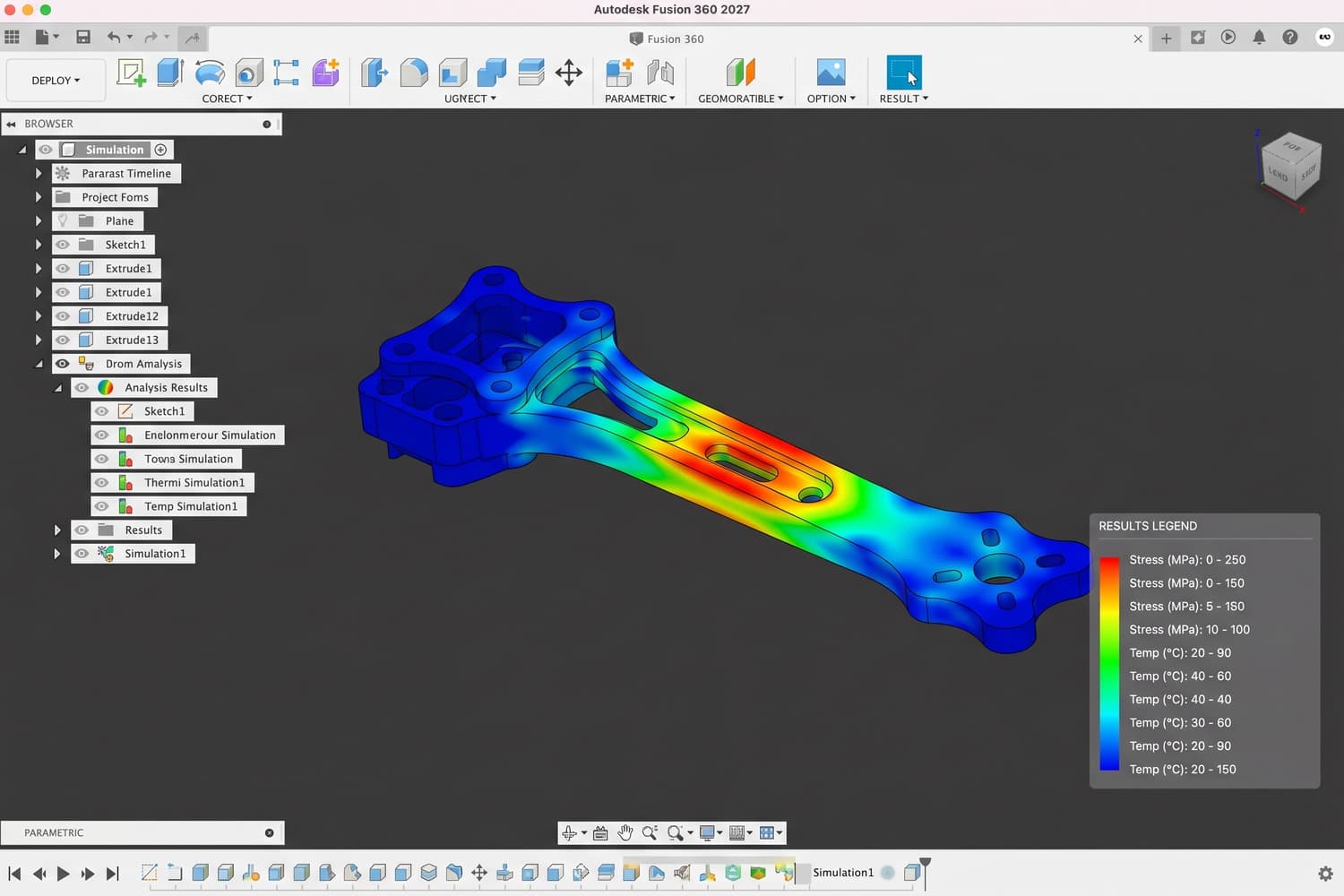
Fusion 2027 is not a traditional CAD with CAM bolted on: it is an ecosystem designed for the modern workflow. Artificial intelligence helps you make better design decisions. GPU-accelerated simulation turns hours of computation into seconds. The cloud is not an option but the foundation: your data is always synchronised, always accessible, always protected.

Monday morning: the client requests a change to the project. You open Fusion 2027, change two parameters and the model updates instantly. You run a structural simulation to check that the design still meets its strength requirements. Tuesday: the production team needs the CNC toolpaths. You automatically generate the toolpaths from the 3D model, simulate the machining with GPU acceleration in a few minutes instead of hours, and export the file for the machine.

Fusion is Autodesk's integrated CAD/CAM/CAE platform, combining 3D modelling, simulation and CNC machining in one environment for mechanical design and prototyping. On Licensgo, the Personal licence costs £79.99 for 1 year.
After completing your order, go to the activation page and enter the email address that should receive the licence. The Autodesk activation is sent to that address. Delivery is entirely by email.
Yes. It is genuine Autodesk software, with an invoice and delivery by email. You can choose between the Personal and Commercial versions when ordering.
The licence covers 1 workstation: use on a single PC for the full 12-month subscription period.
It is an official annual Autodesk licence: 12 months of full use of Autodesk Fusion from activation, with all updates included. When it expires, you can renew on Licensgo with an exclusive discount for existing customers, without reinstalling anything.